Flows do the routine part of every conversation the same way every time.
A flow does exactly what you laid out, on your website, your app, WhatsApp, Instagram, X, Messenger, Telegram and Intercom.
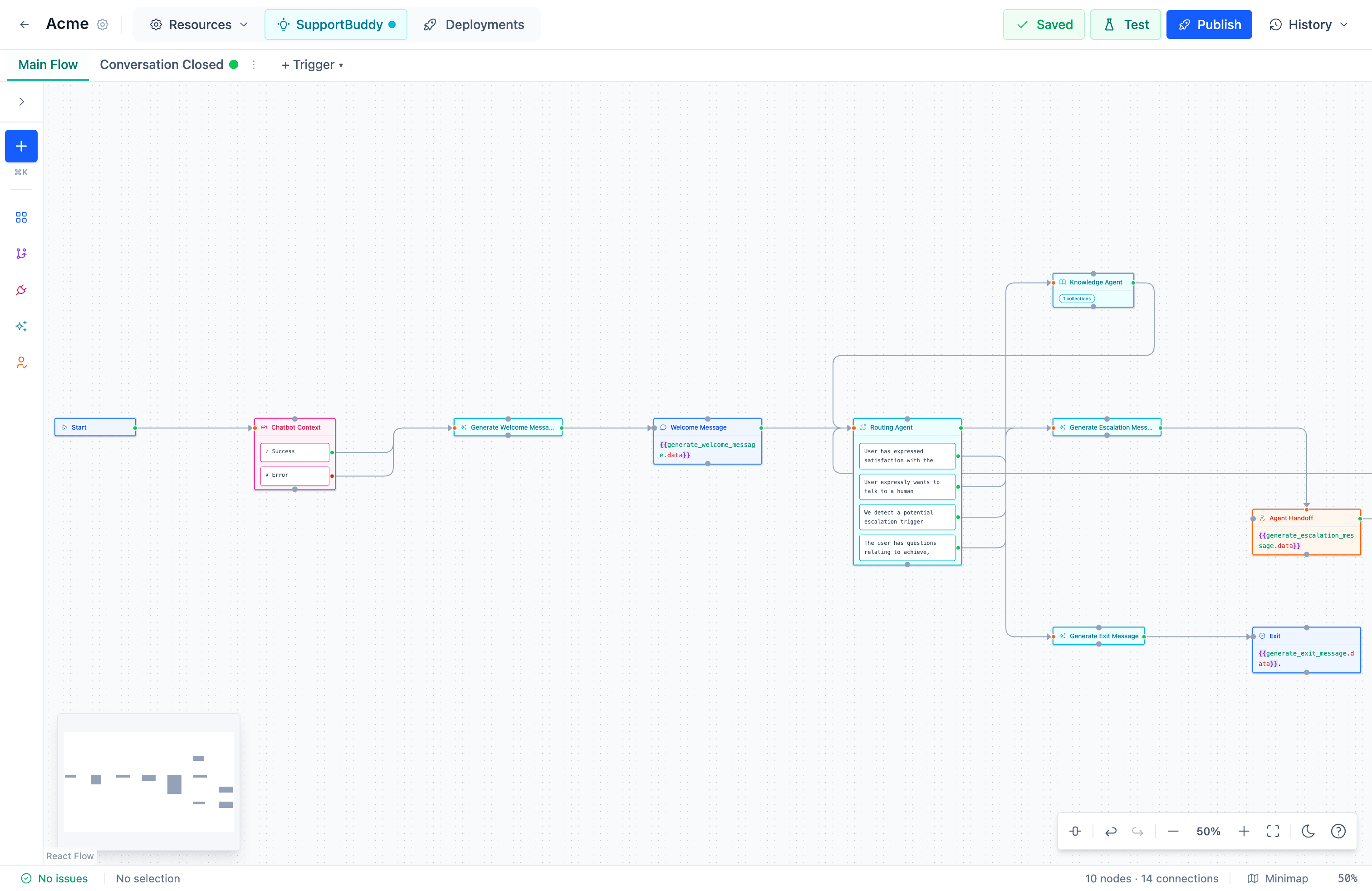
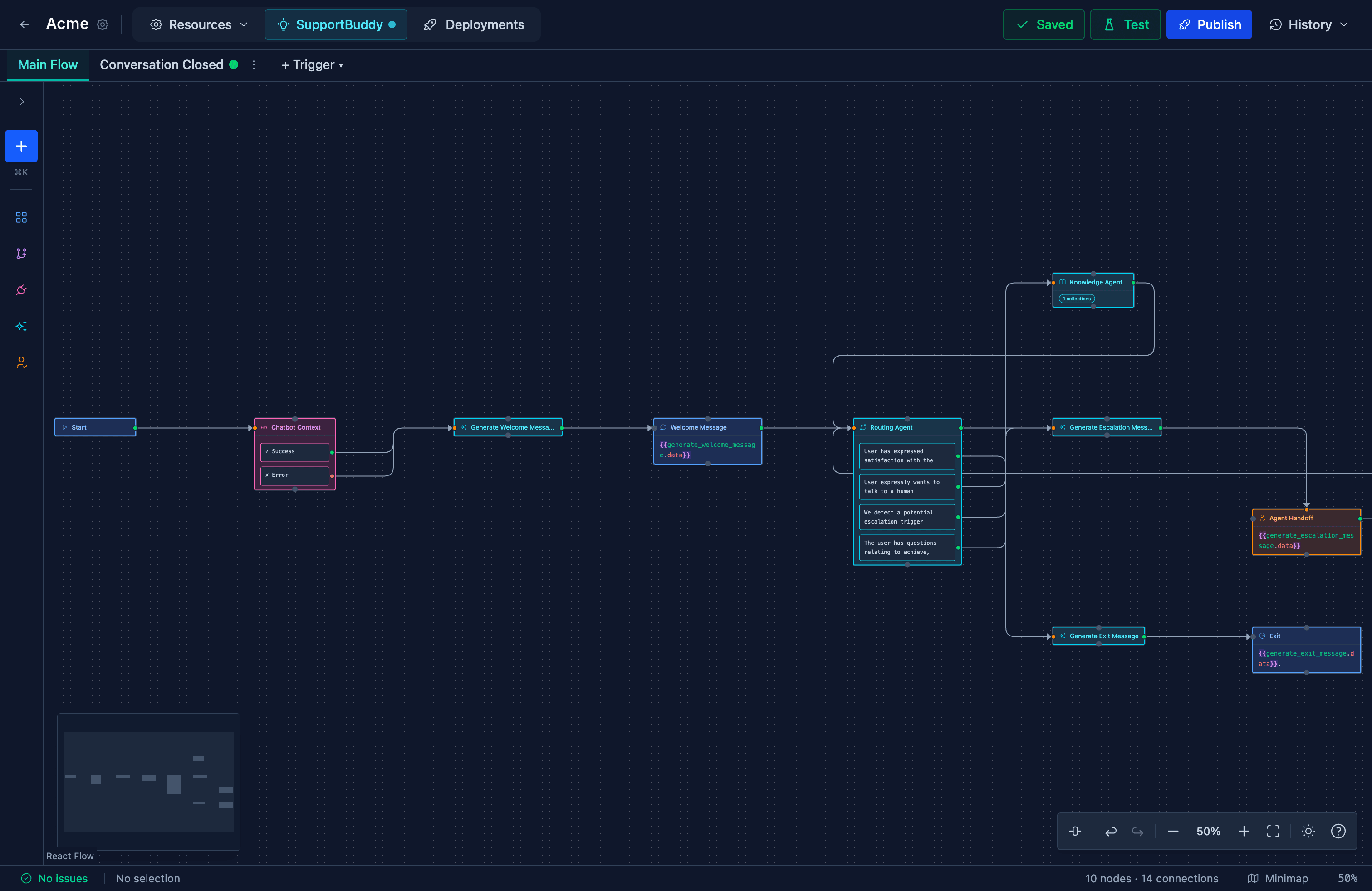
Here is a flow with no AI in it.
Most questions have one right answer, so most steps involve no AI at all, and a flow without AI steps uses none of your AI allowance.
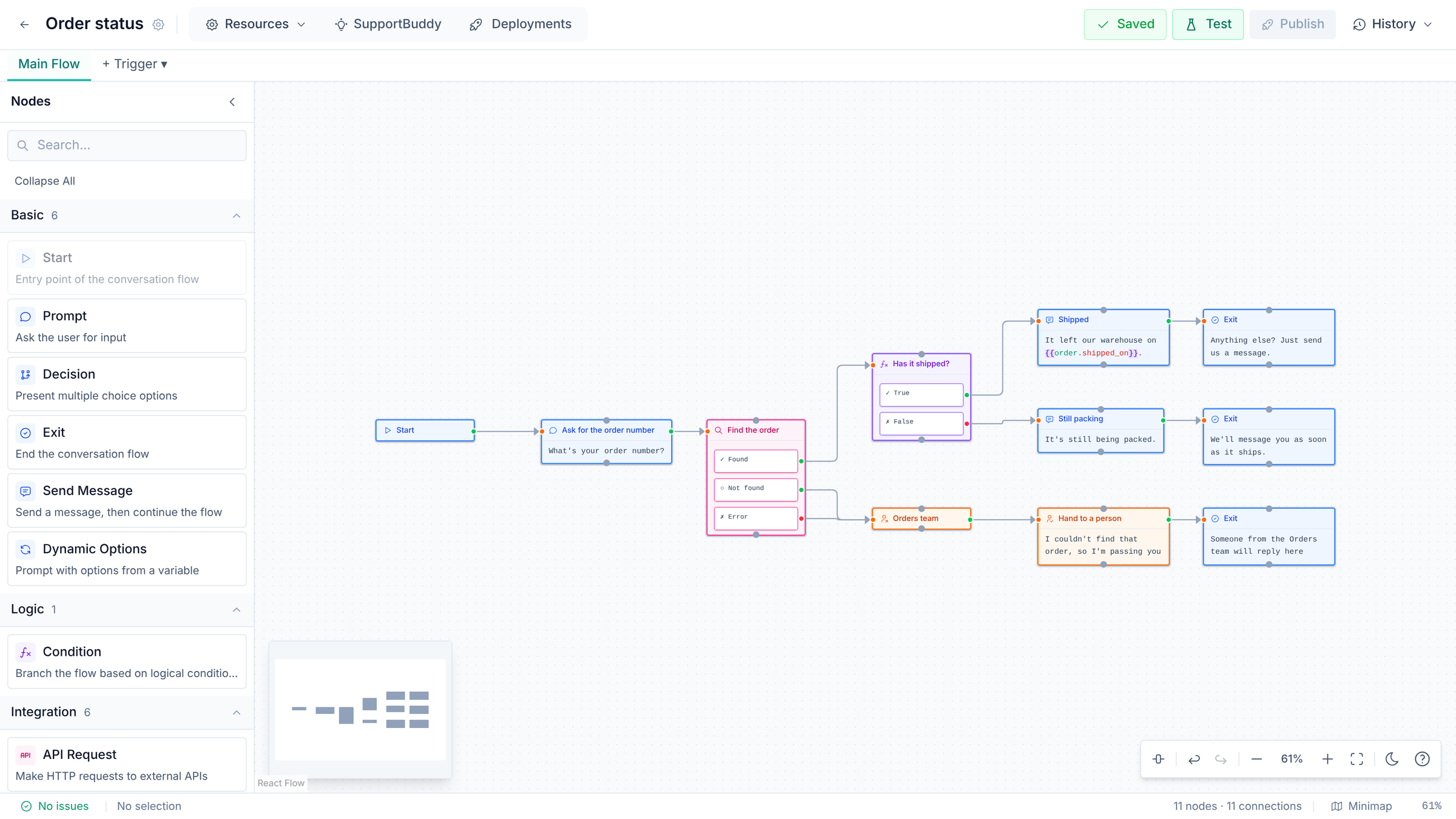
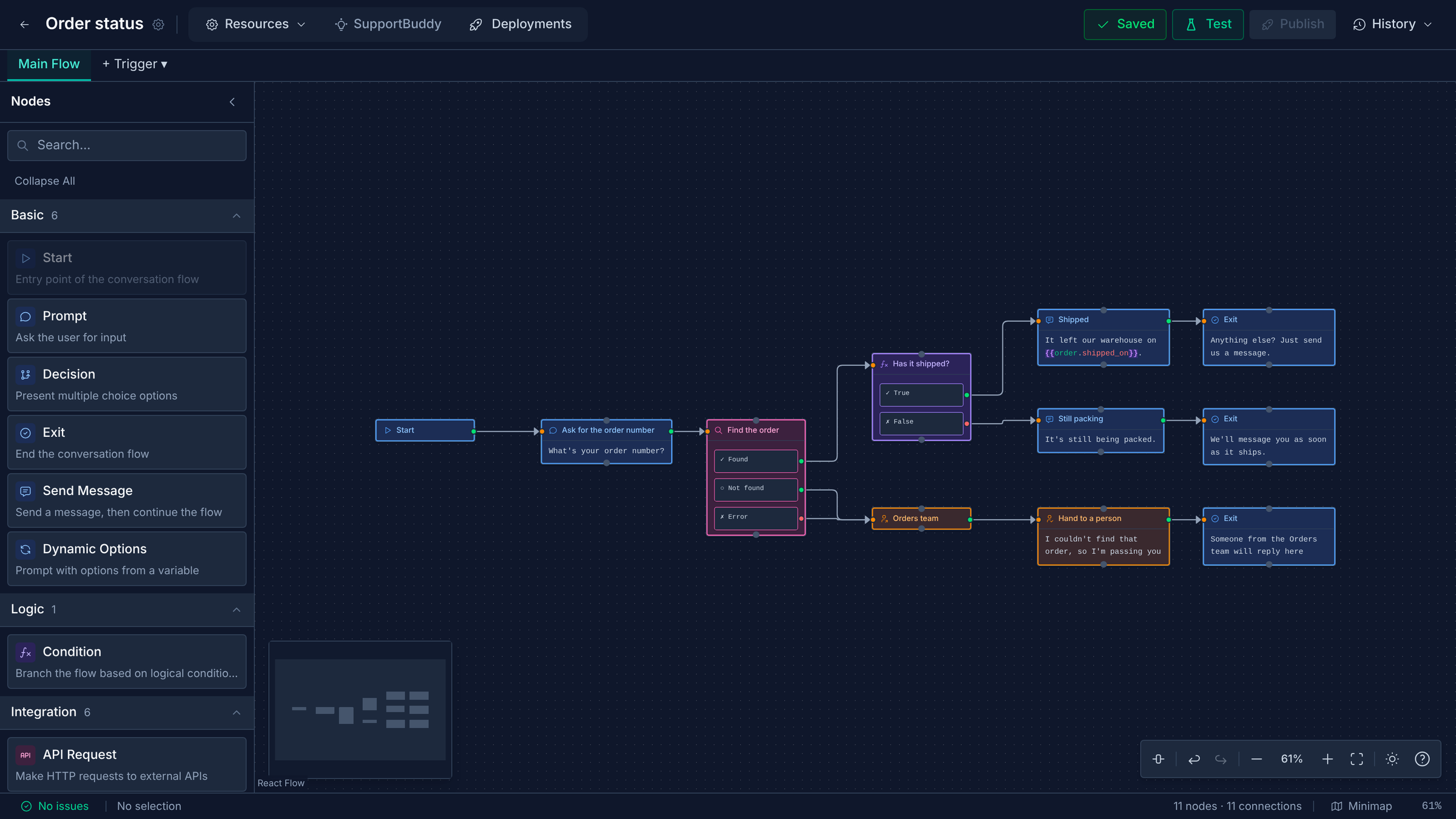
Each step does one job
- Questions and choices
- Ask for an answer and check it, offer buttons, or build the options from your own data.
- Logic
- Branch on anything the customer said or anything you looked up.
- Your own systems
- Call any API to look up an order or open an account, with the credentials kept encrypted.
- Storage Tables
- Save, look up, list and delete rows in tables you keep here.
- Handover
- Send the conversation to a team, an agent or a priority, and tag it so your team can see why.
- Leads
- Save the customer as a lead for your sales team.
- AI steps
- Answer from your knowledge base, work out what someone is asking for, pull out names and order numbers, or write a reply in your tone.
- What customers send
- Flows read photos, documents, voice notes, locations and contact cards.
- Who it answers
- On messaging channels, choose which customers get the flow by their details, then turn it on for a percentage of them.
- Versions
- Each channel follows your latest published version or stays on one you pick.
- History and analytics
- Read any conversation with the steps the flow took, and see how each flow performs.
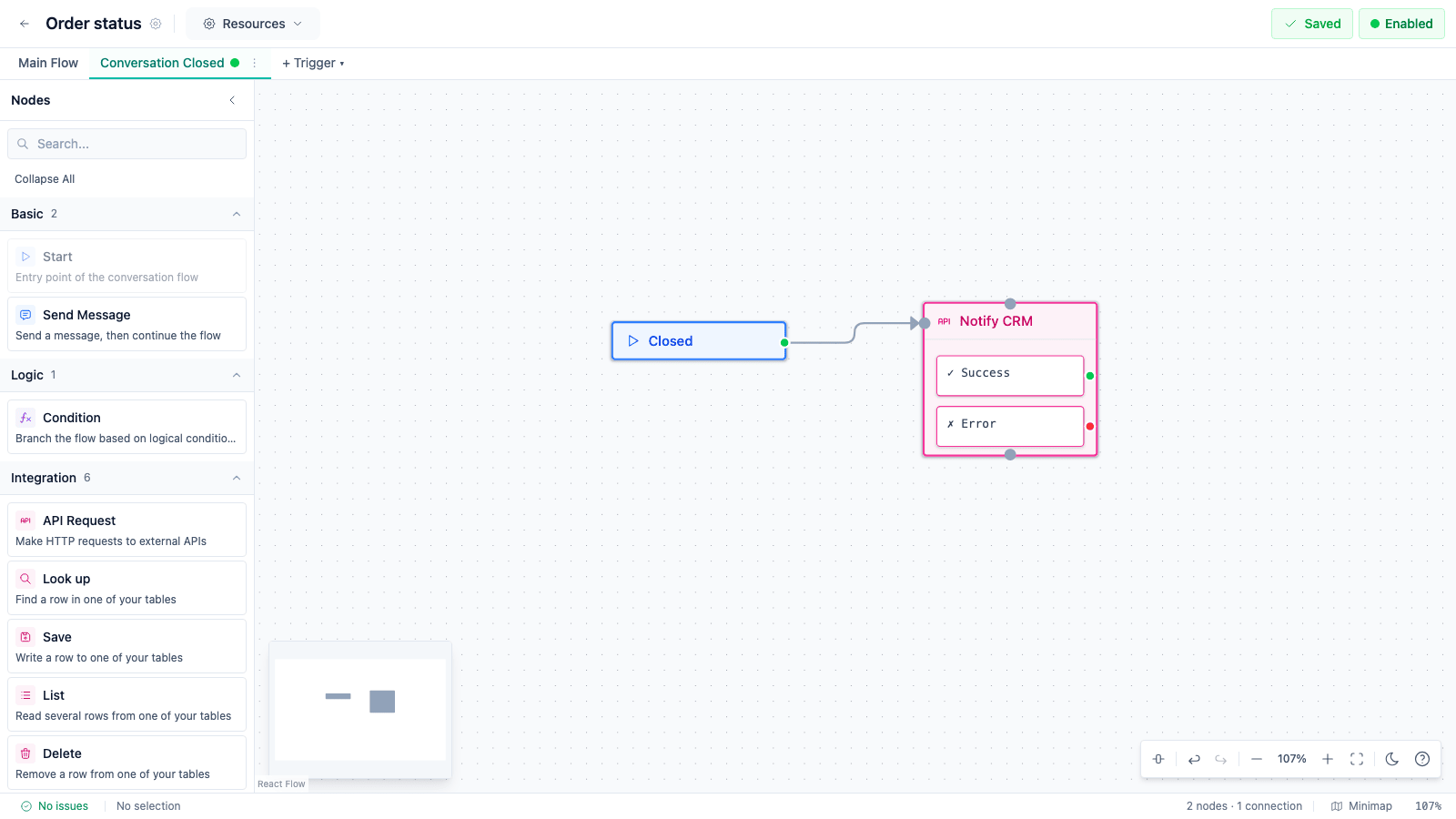
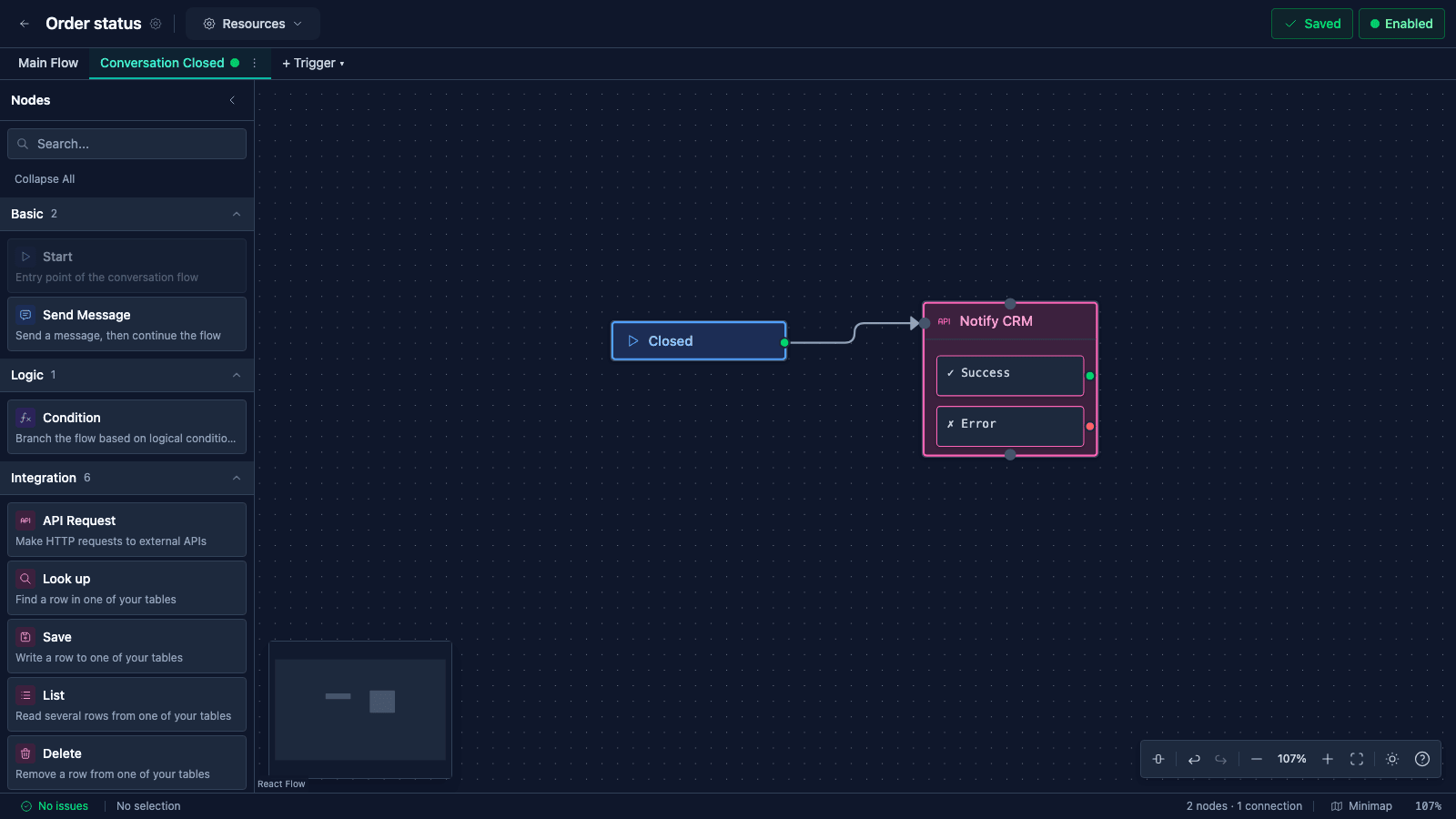
Background tasks run when a conversation changes.
A background task runs when a conversation starts, ends, closes, is abandoned, times out or goes to a person. This one tells your CRM each time a conversation closes.
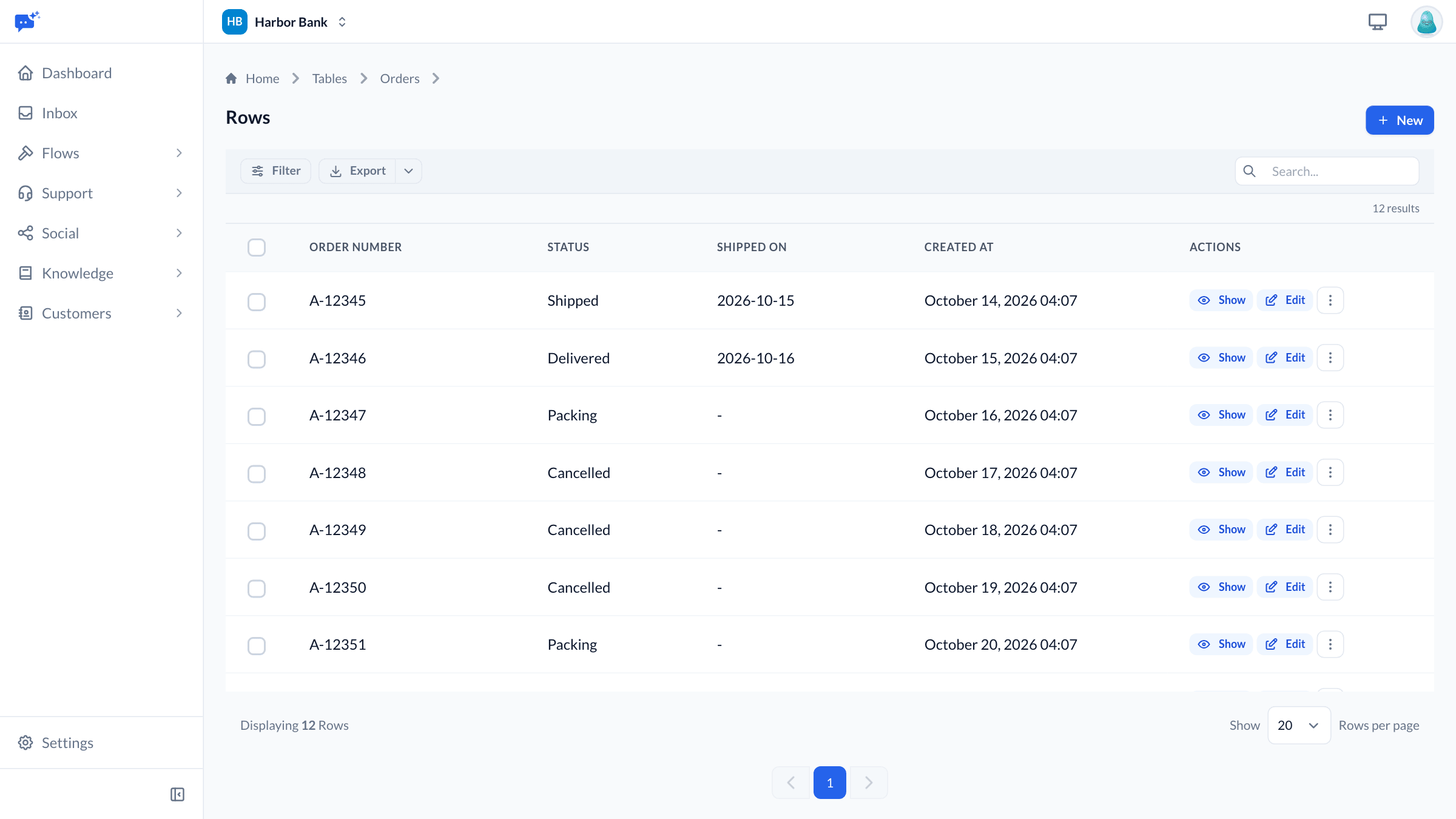
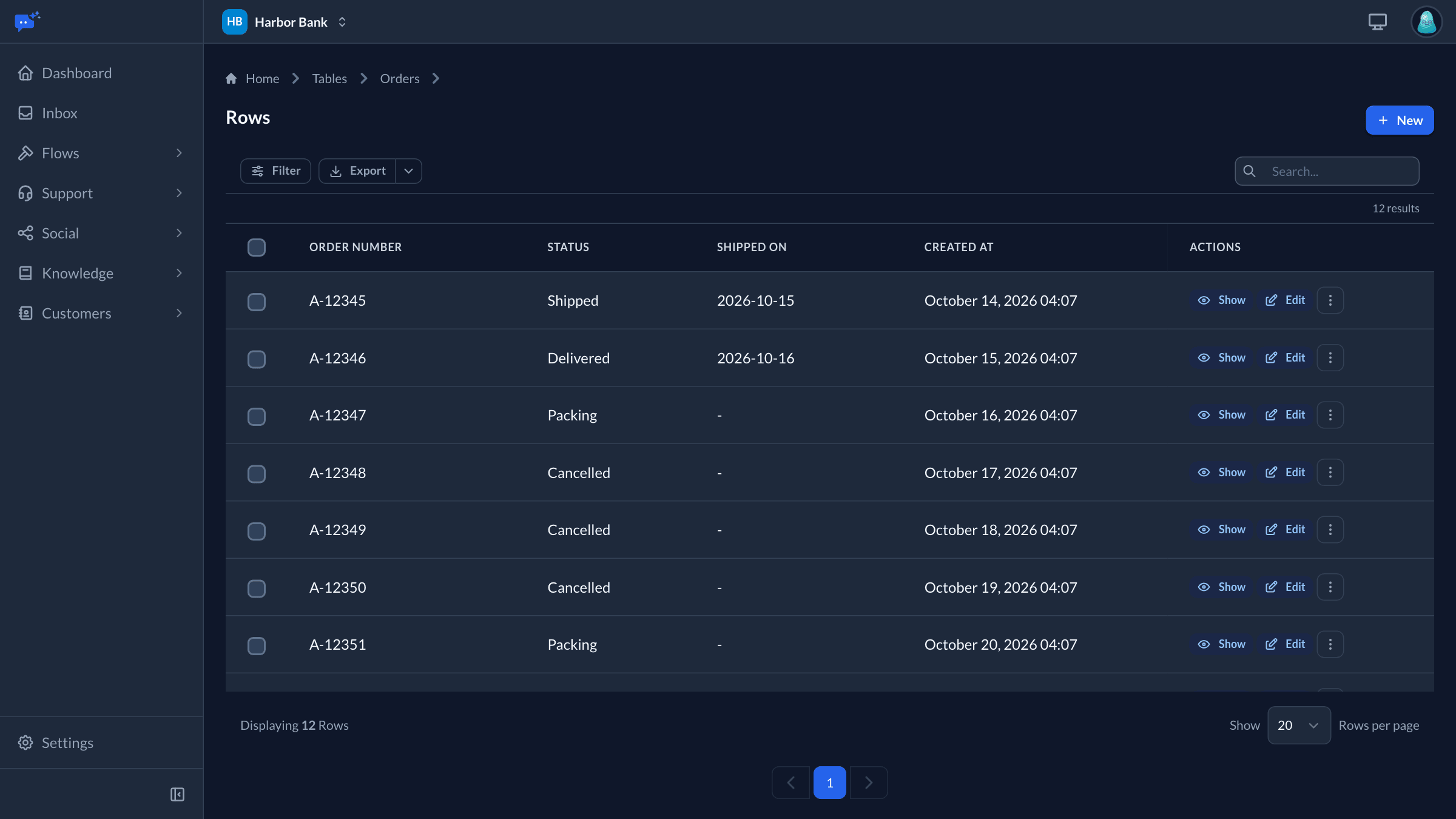
Storage Tables keep the records your conversations need.
Keep the data your flows read and write without setting up a database. A flow can save a booking or look up an order by its number, and your team sees and edits the same rows.
- Columns
- Text, number, yes or no, and date. A value that doesn't fit is refused instead of stored wrong.
- Keys
- Saving against a key that already exists, such as an email address, updates that row.
- Personal details
- Values in a column marked personal are stored encrypted.
- Rows included
- From 2,000 rows on Free to 500,000 on Business, with packs to add more.
Leads go to your sales team from inside a flow.
Add a Save Lead step where your flow learns someone wants to buy. Your sales team is emailed and moves the lead from new to contacted, qualified, and won or lost.
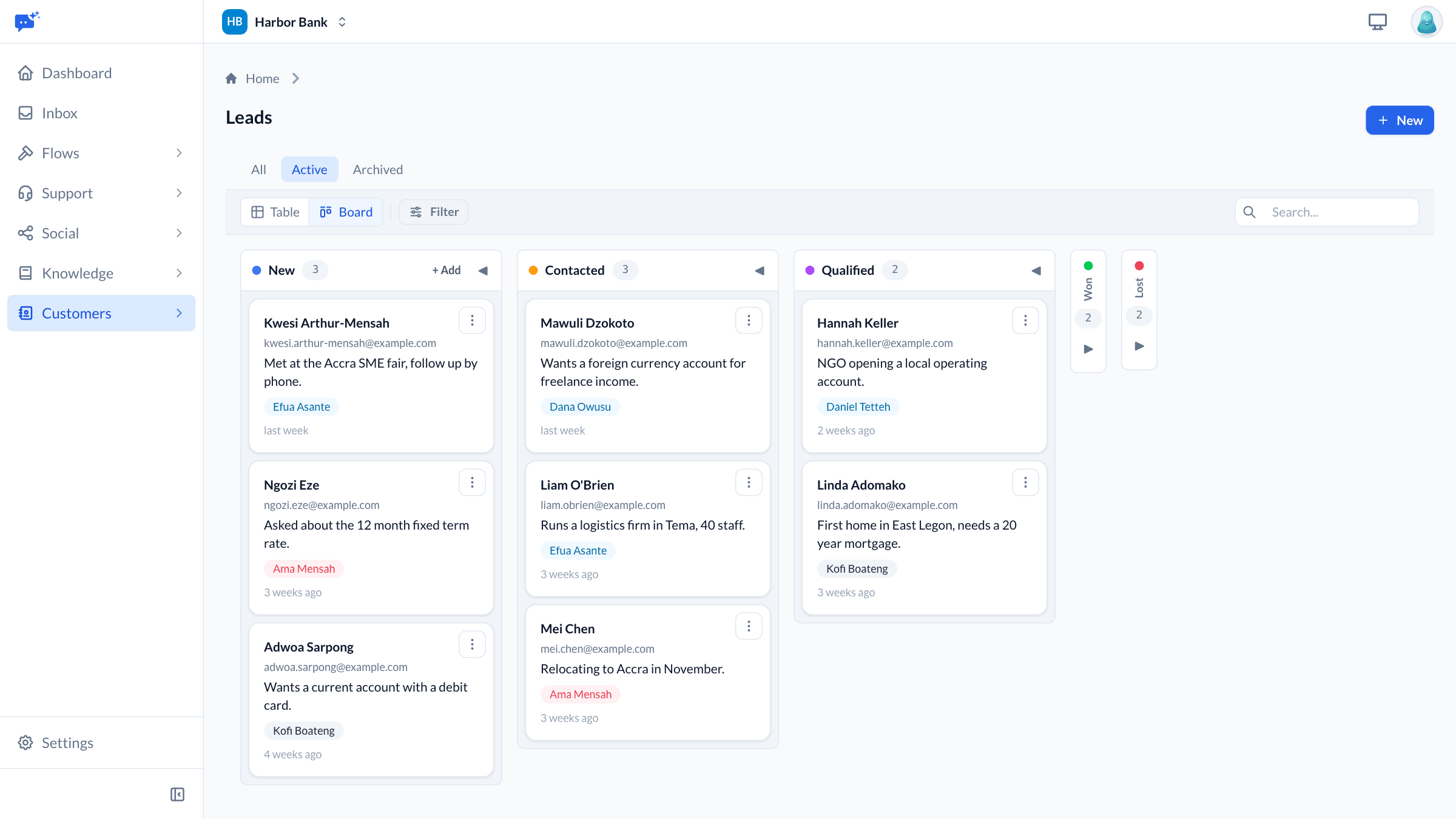
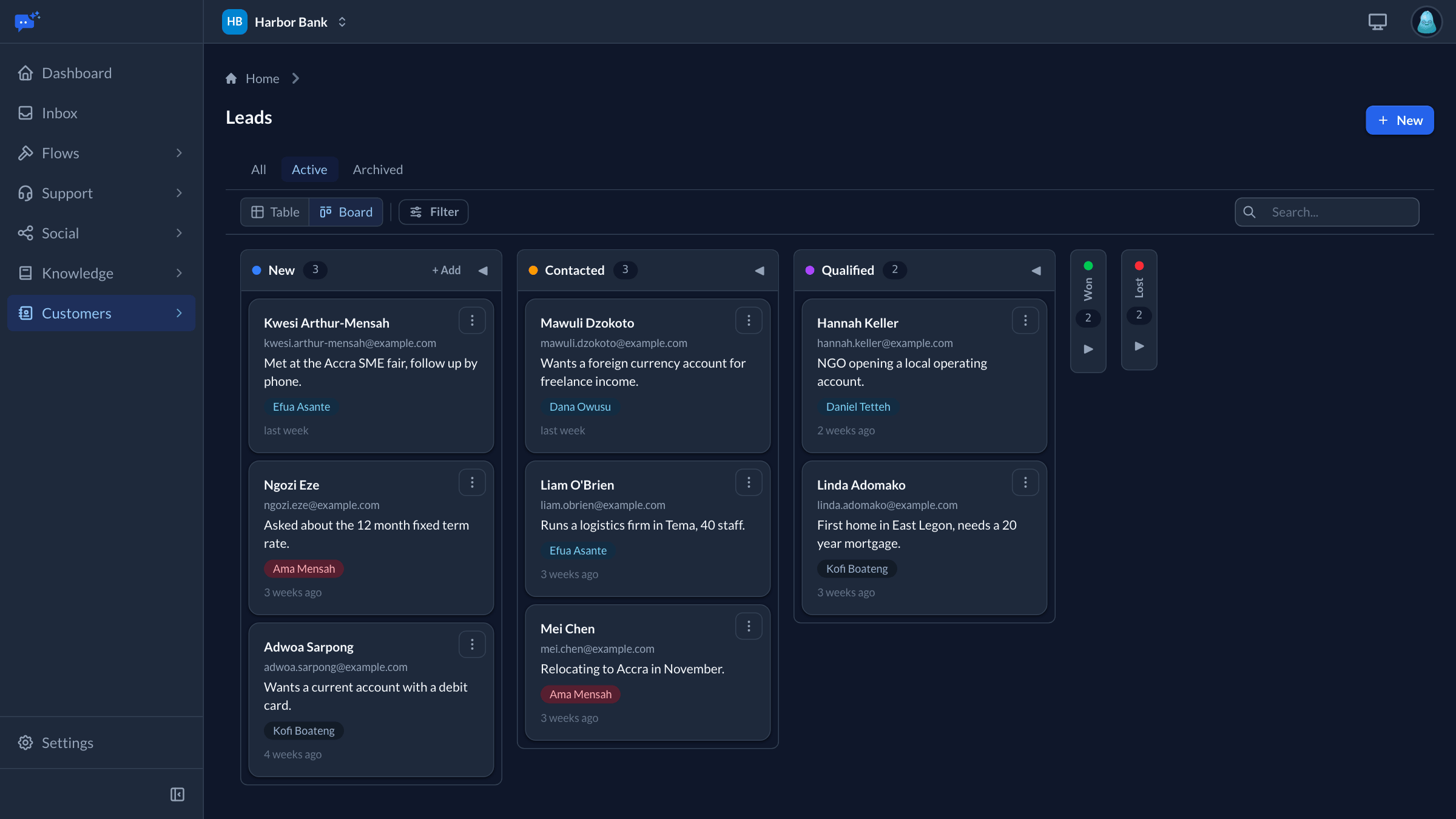
- Each lead links to the conversation it came from
- Split leads between teams, and add categories, tags and notes
Chat on your website and in your app
Set colours, fonts, size and greeting in a visual editor, and the preview updates as you go.
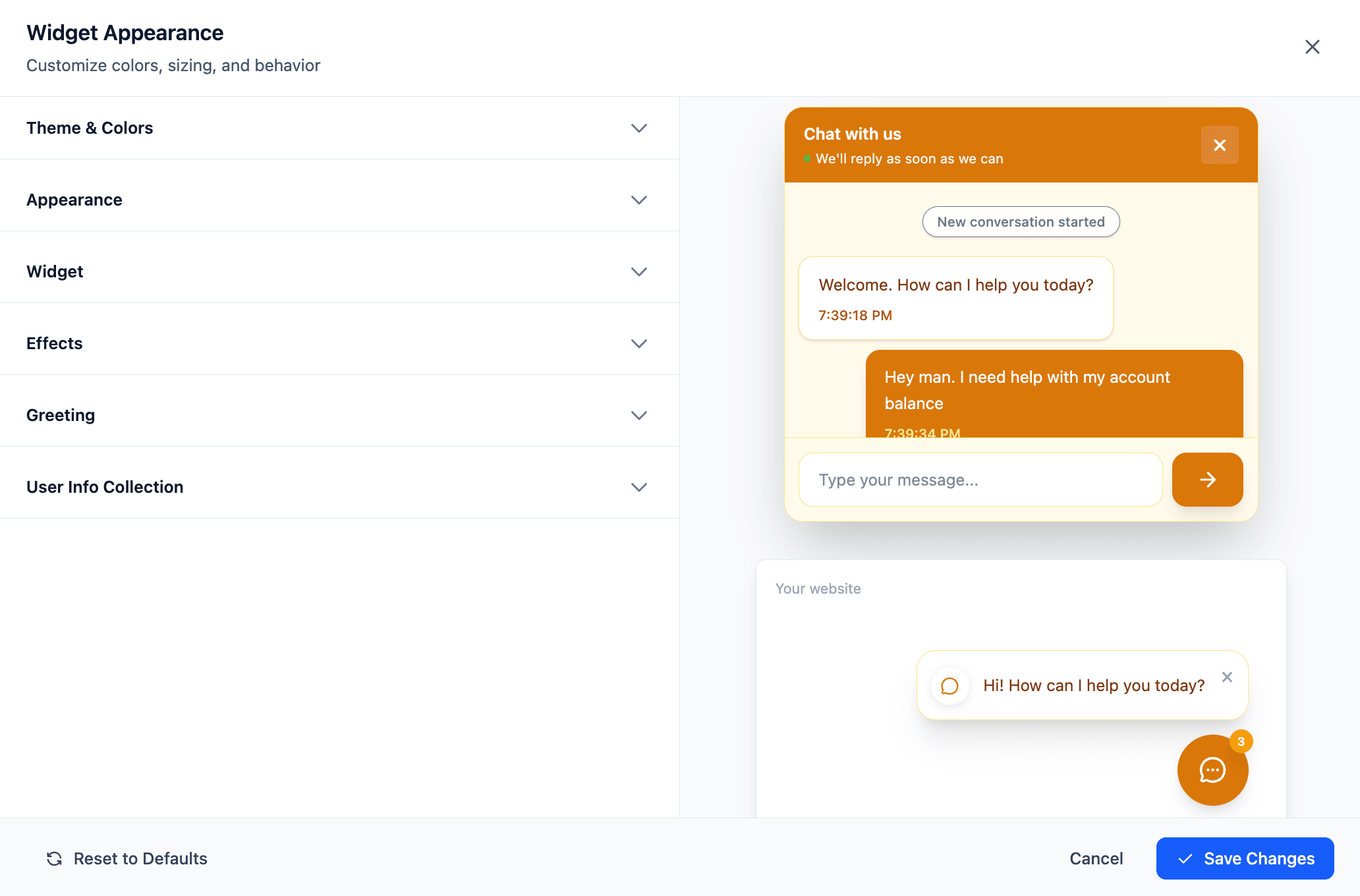
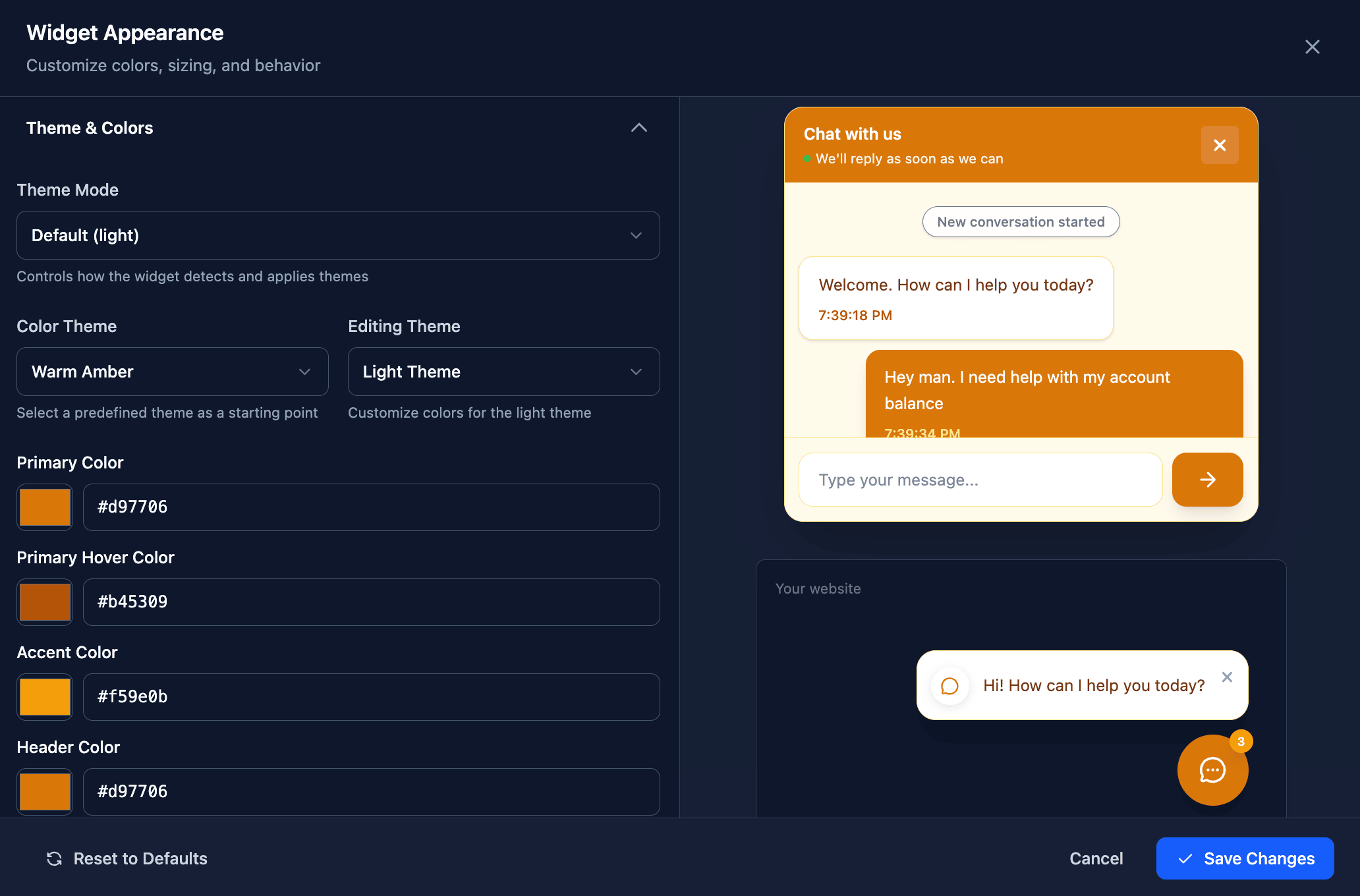
- Use the corner launcher, or place the chat inside your page
- Show a scrolling chat, or one question at a time like a form
- Tell it who a signed-in customer is, and agents see their details
- A native chat screen for iOS and Android, with push notifications that open the right conversation
A flow answers on eight channels
Free and Starter include website chat and Telegram. Pro and Business include every channel.
- Website chat
- A chat or a step-by-step form on your site.
- iOS and Android app
- A native chat screen in your own app.
- Through your own WhatsApp Business account.
- Direct messages to your account.
- X
- Direct messages to your account.
- Messenger
- Messages to your Facebook Page.
- Telegram
- Messages to your Telegram bot.
- Intercom
- Conversations in your Intercom workspace.
Start with one channel
Most teams start with website chat. WhatsApp and the other messaging channels come with Pro, and Social can be added to any paid plan.