Support runs one inbox for every channel like a help desk.
What your flows can't settle reaches the right team, in the customer's own channel, with everything they already said.
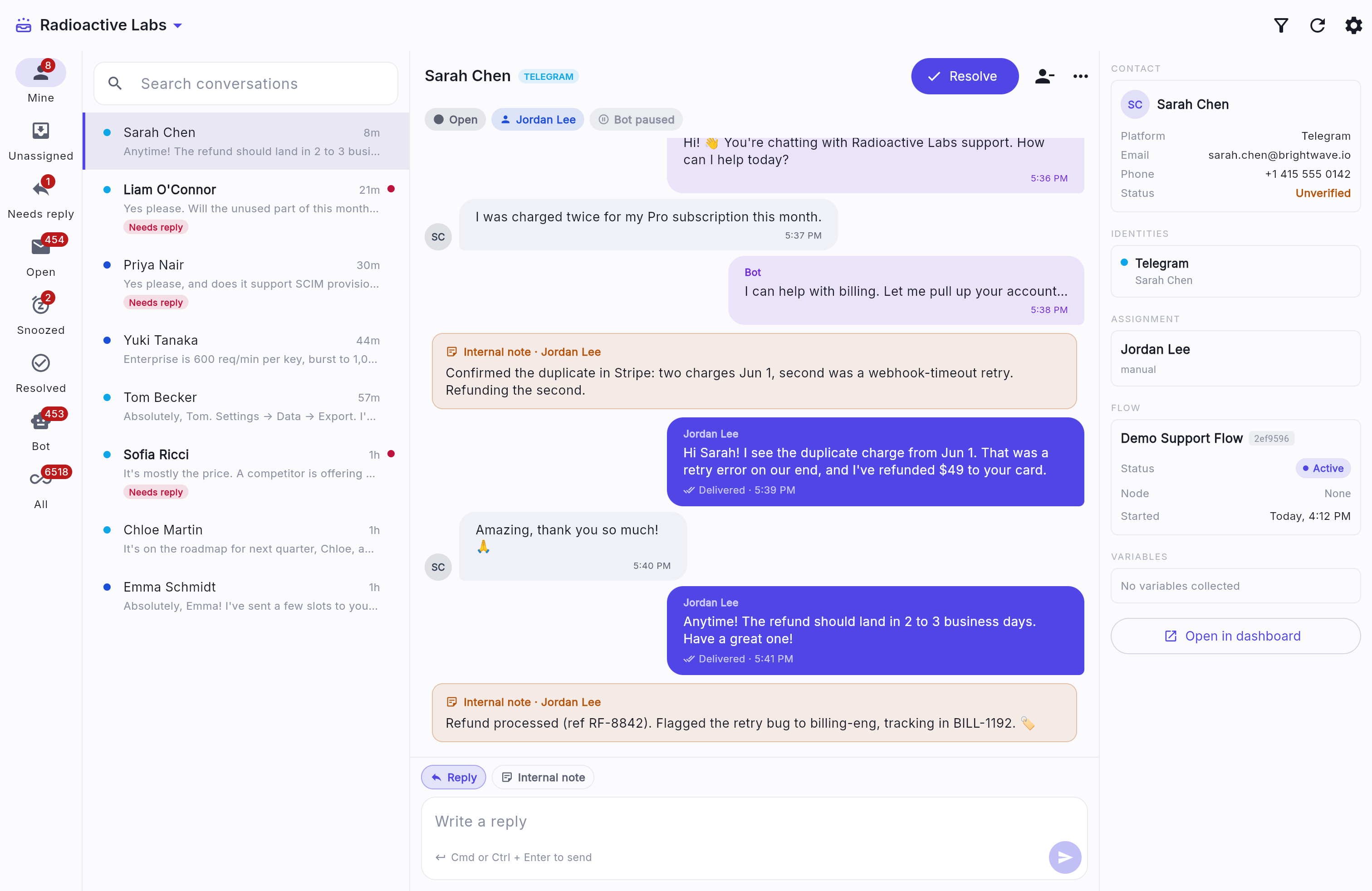
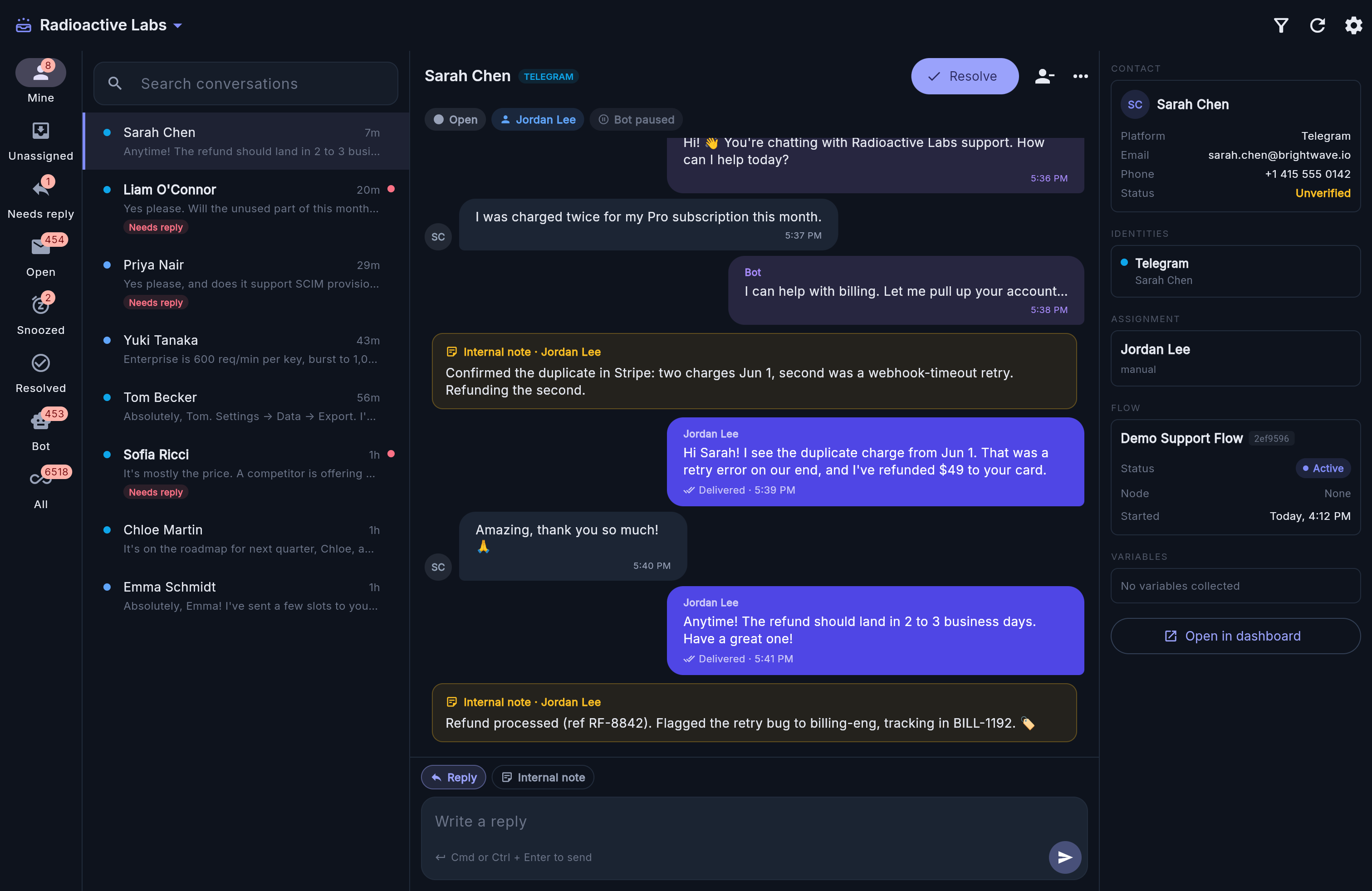
Conversations queue by team and go to whoever is free
When someone is out of office, their conversations go back to the team.
- Queues
- Conversations queue by team and priority, with VIP customers first. One that waits too long moves up or overflows to another team.
- Business hours
- Each team has its own hours and holidays. Outside them your flow can keep answering.
- Response targets
- Targets for first reply, next reply and resolution. Every miss is recorded.
- Customer record
- One customer across channels, with their earlier conversations and open tickets. A WhatsApp customer who replies UNSUBSCRIBE opts out.
- Replies
- Saved replies, files, approved WhatsApp templates, internal notes and tags, and receipts when a reply is read.
- Reports
- Volume, wait times, handling time and missed targets, exportable as CSV.
Tickets keep an issue open after the chat ends
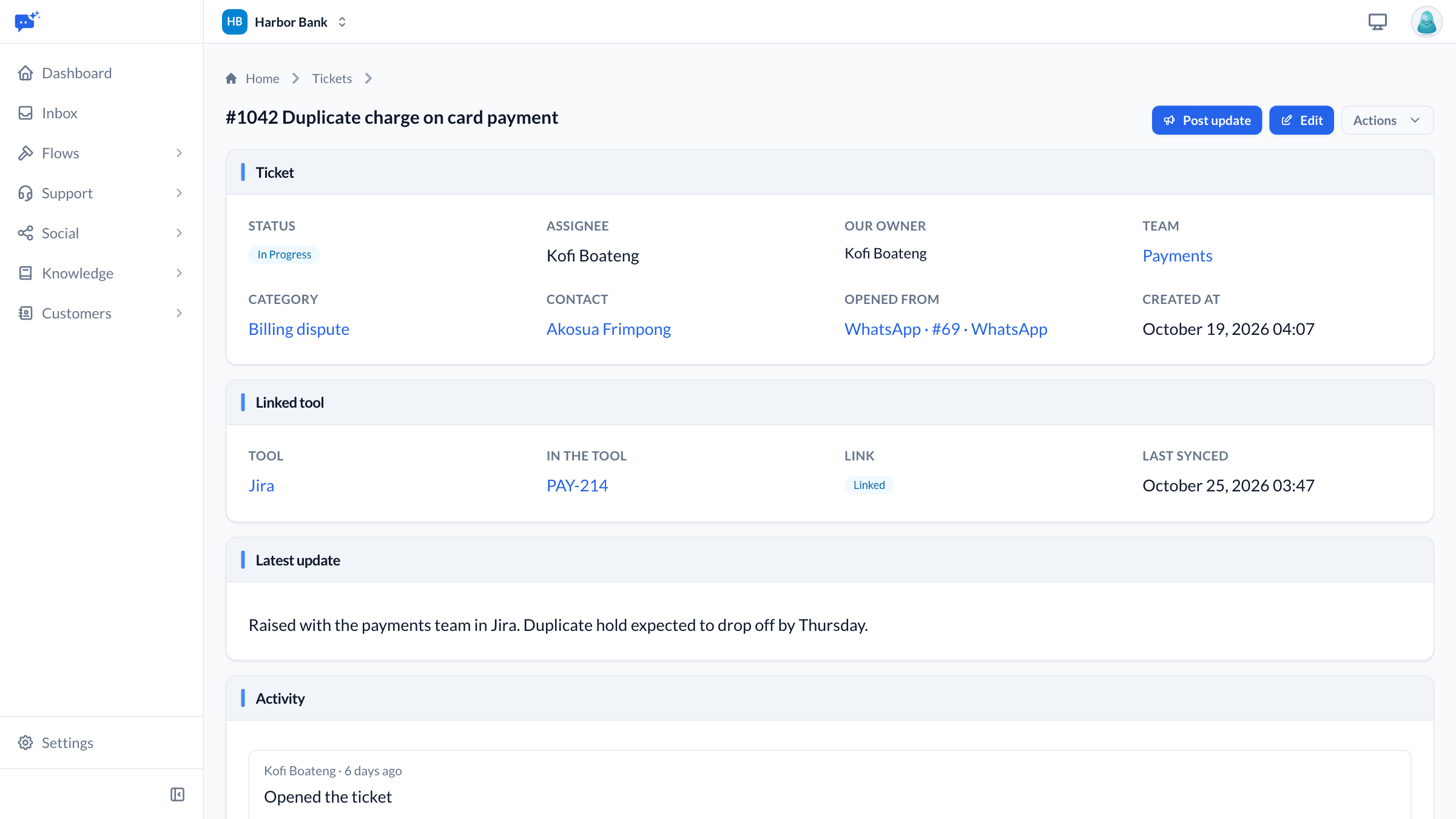
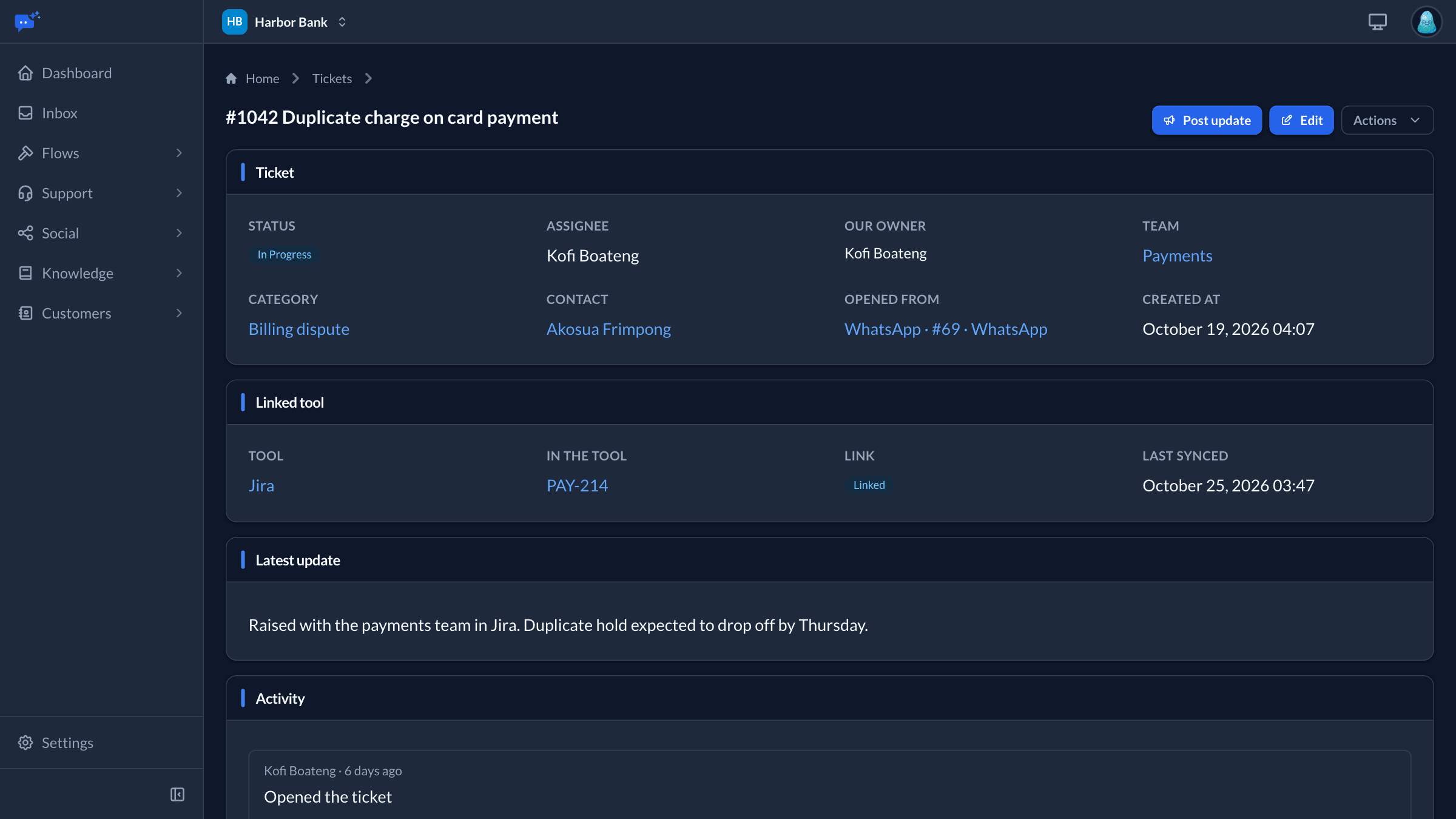
Issues that outlive a chat stay on the customer's record and show up the next time they get in touch. They can mirror to Jira, Zendesk or your own system.
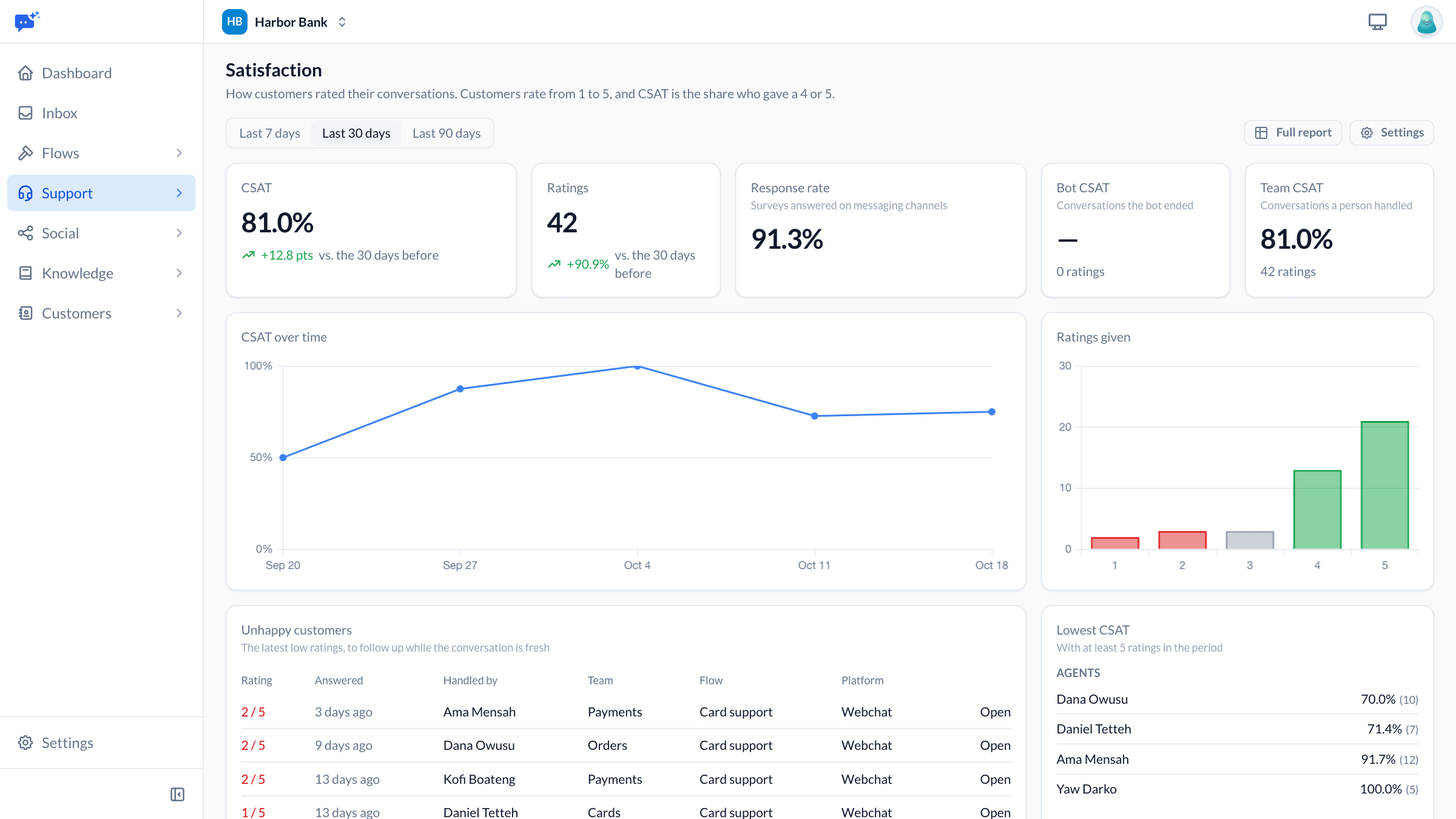
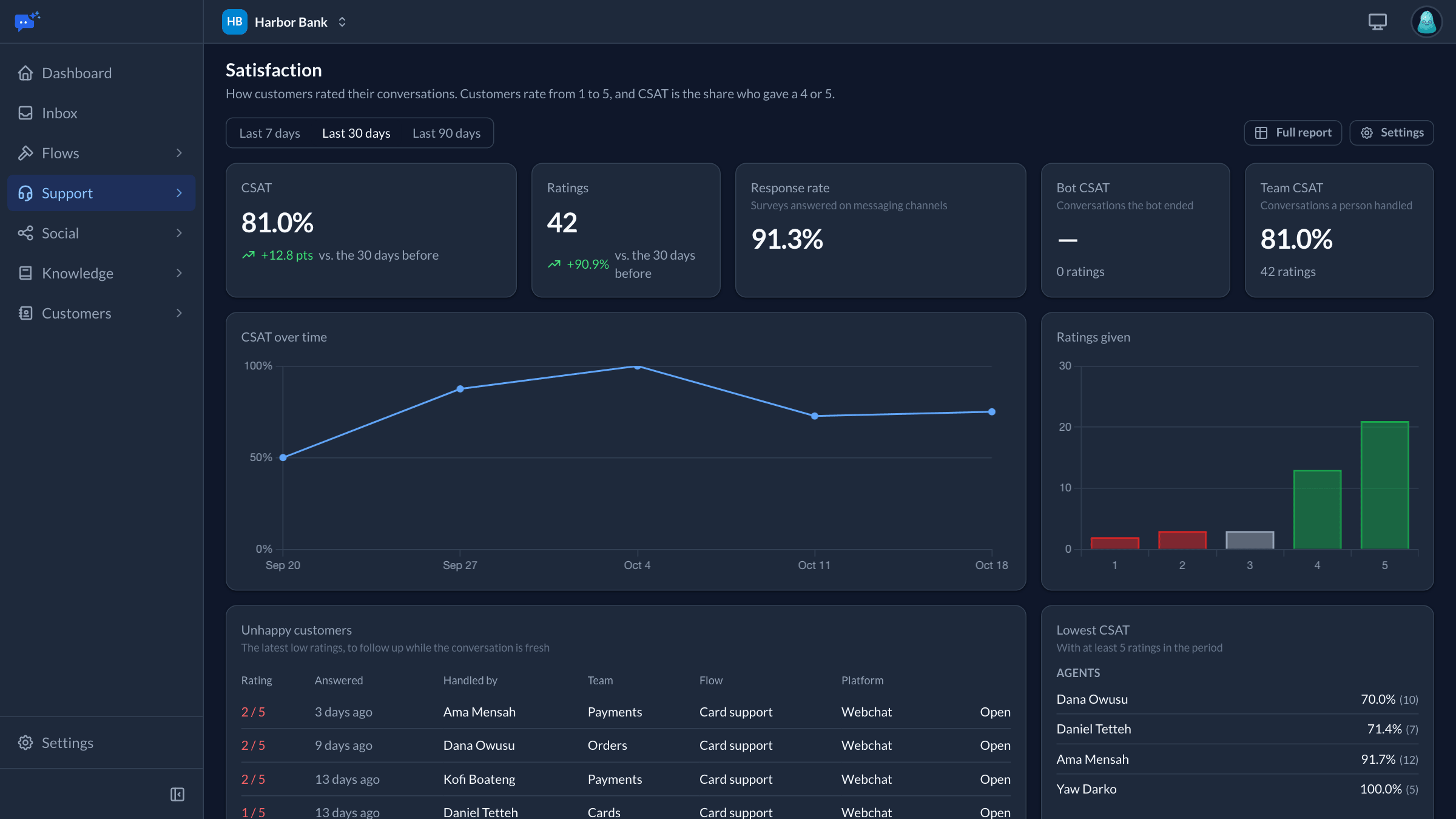
Customers rate the conversation when it ends
On the Pro and Business plans, the rating is asked for on the channel they used. See the results by team, agent, channel and flow.
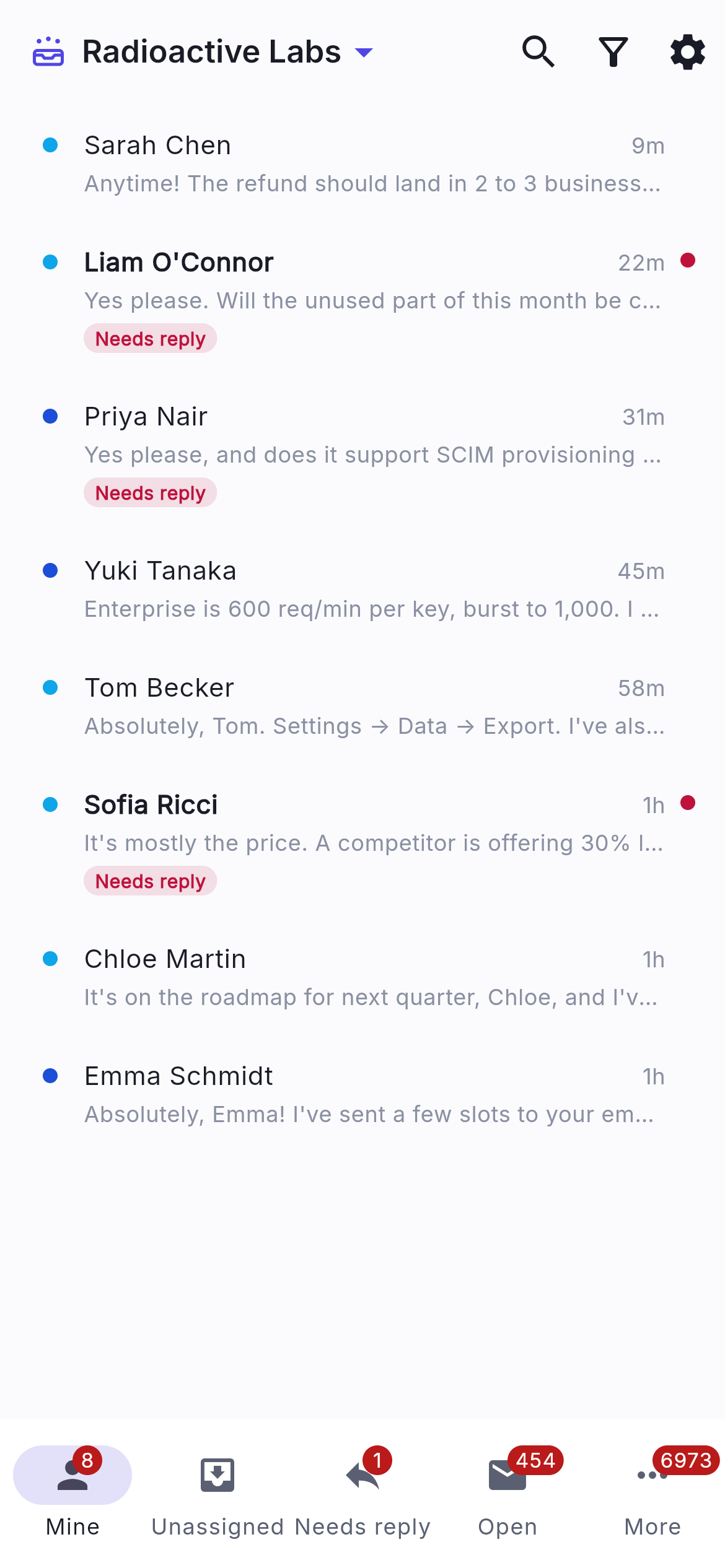
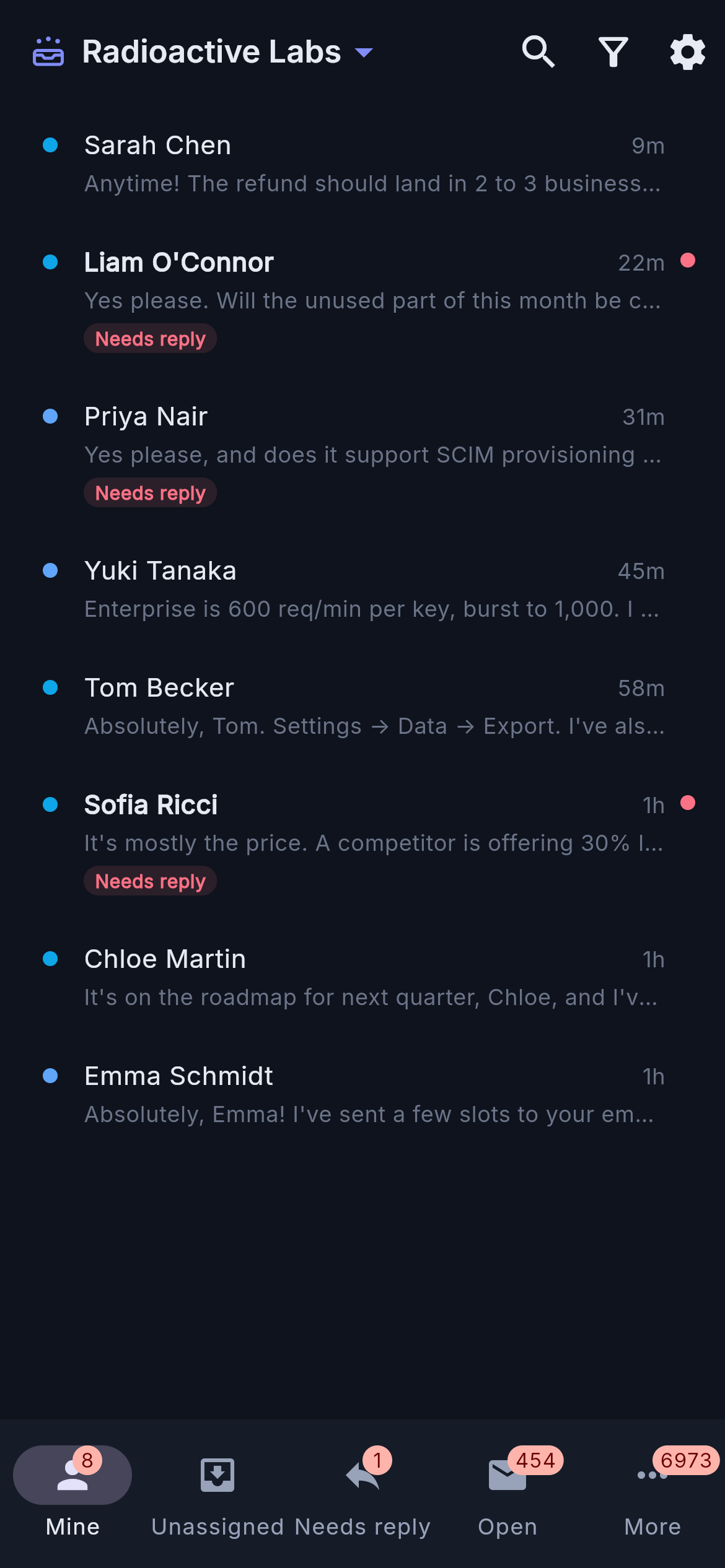
Agents answer from their phone too
The inbox runs on the web and as an app for iOS and Android, with push and email alerts each agent chooses.
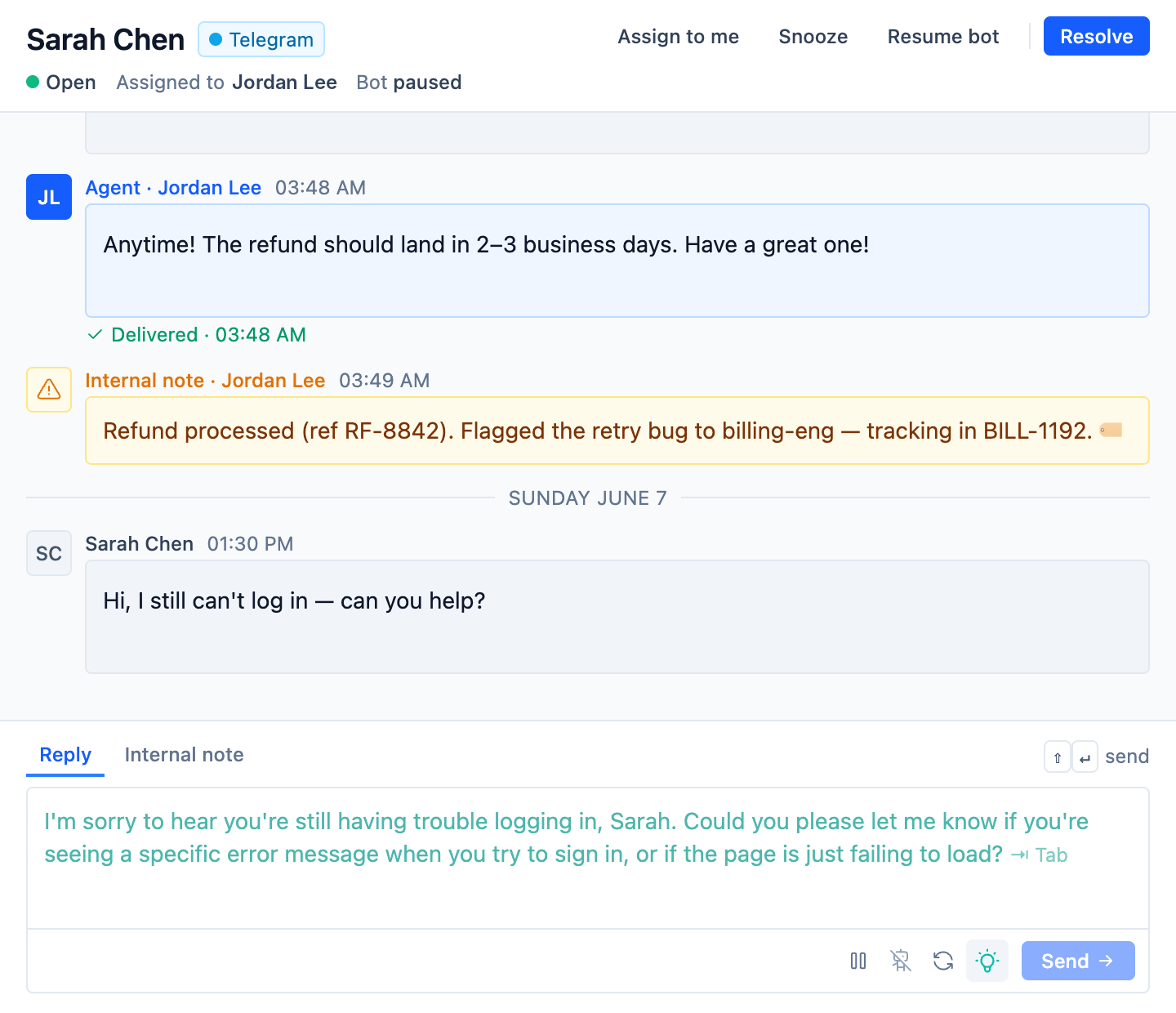
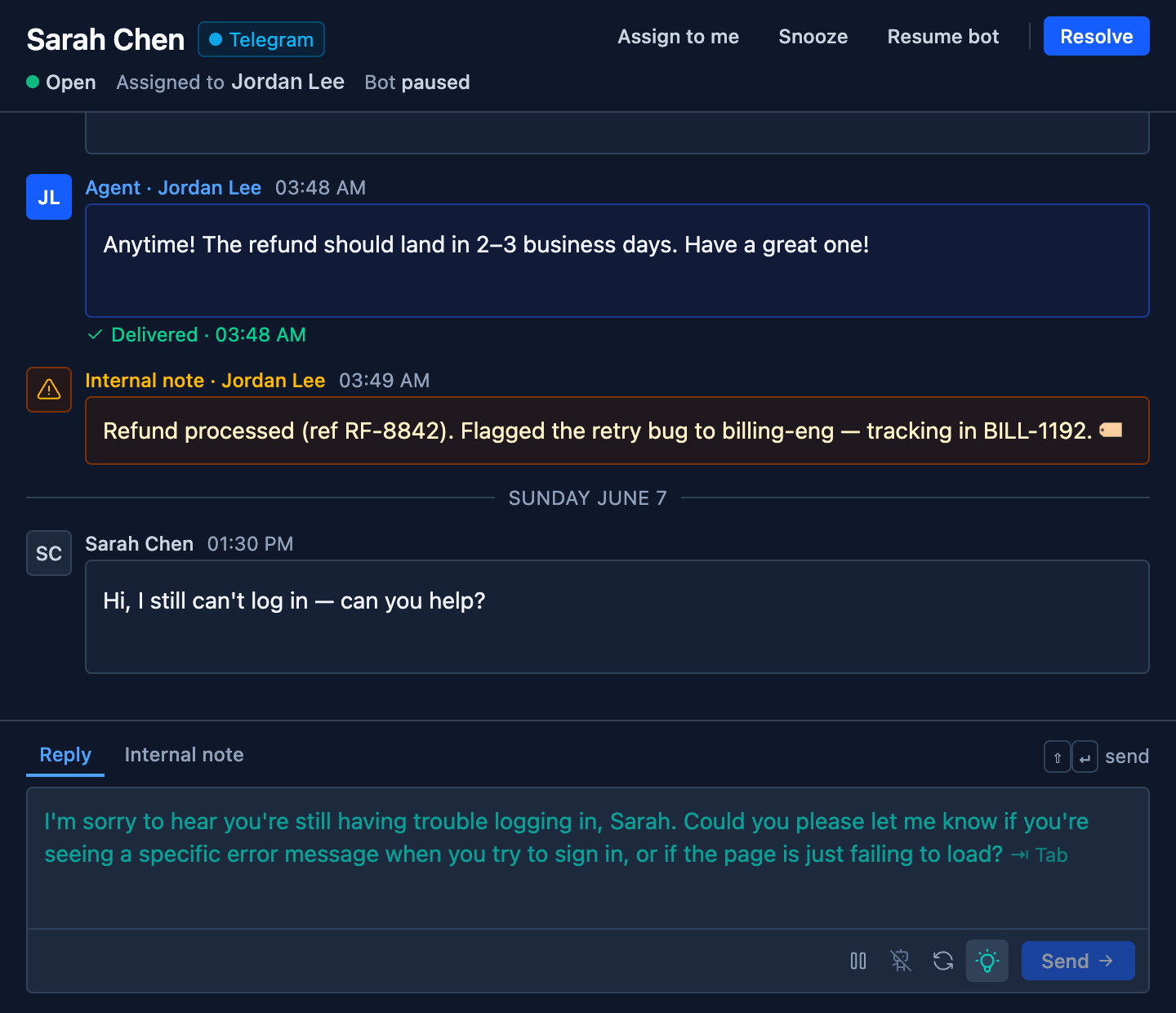
SupportBuddy drafts each reply from your knowledge base.
It reads the conversation, finds the answer in the knowledge collections you choose and writes a reply in the composer. The agent presses Tab to use it. It works in our inbox, and in Intercom through a browser extension.
- Tone
- Pick a preset such as friendly or concise, or write your own instructions.
- Rules
- Tell it what a reply must never do, such as offer a refund.
- Pausing
- An agent can refresh a draft, or pause suggestions while handling something sensitive.
- Auto-send
- If you allow it, replies it is confident about go out on their own above a threshold you set.
- Per flow
- Each flow can have its own SupportBuddy with its own knowledge, tone and rules.
Only need the inbox?
- UniversalDesk is the shared inbox on its own, without flows, for teams that answer every customer themselves. It is priced by brands and seats.
What each channel can do
| Channel | Inbox | Flows | Publish posts | Comments and mentions |
|---|---|---|---|---|
| Website chat | Yes | Yes | No | No |
| Your iOS and Android app | Yes | Yes | No | No |
| Yes, with approved templates after 24 hours | Yes | No | No | |
| Yes | Yes | Yes | Yes | |
| Facebook and Messenger | Yes | Yes | Yes | Yes |
| Telegram | Yes | Yes | No | No |
| Intercom | Yes, kept in sync both ways | Yes | No | No |
| X | Yes | Yes | Yes | Yes |
| YouTube, TikTok | No | No | Yes | Yes |
| No | No | Yes | No | |
| App Store, Google Play | No | No | No | Reviews, on Growth and Scale |
Start with one channel
Most teams start with website chat. WhatsApp and the other messaging channels come with Pro, and Social can be added to any paid plan.