Knowledge gives your flows, your agents and your help center one source.
Upload documents, crawl your website or write articles. Flows answer customers from them, and SupportBuddy drafts your agents' replies from the same text.
Add files, websites or articles you write
- Files
- Text, Markdown, HTML, PDF (scanned pages are read too), Word, PowerPoint and Excel.
- Websites
- Crawl your website or a list of pages.
- By hand
- Type entries in, or write articles in a wiki.
- Collections
- Group sources into collections, so a payments flow answers only from payments material.
- Answering
- A flow can answer from it directly, or search it and work across several articles for a harder question.
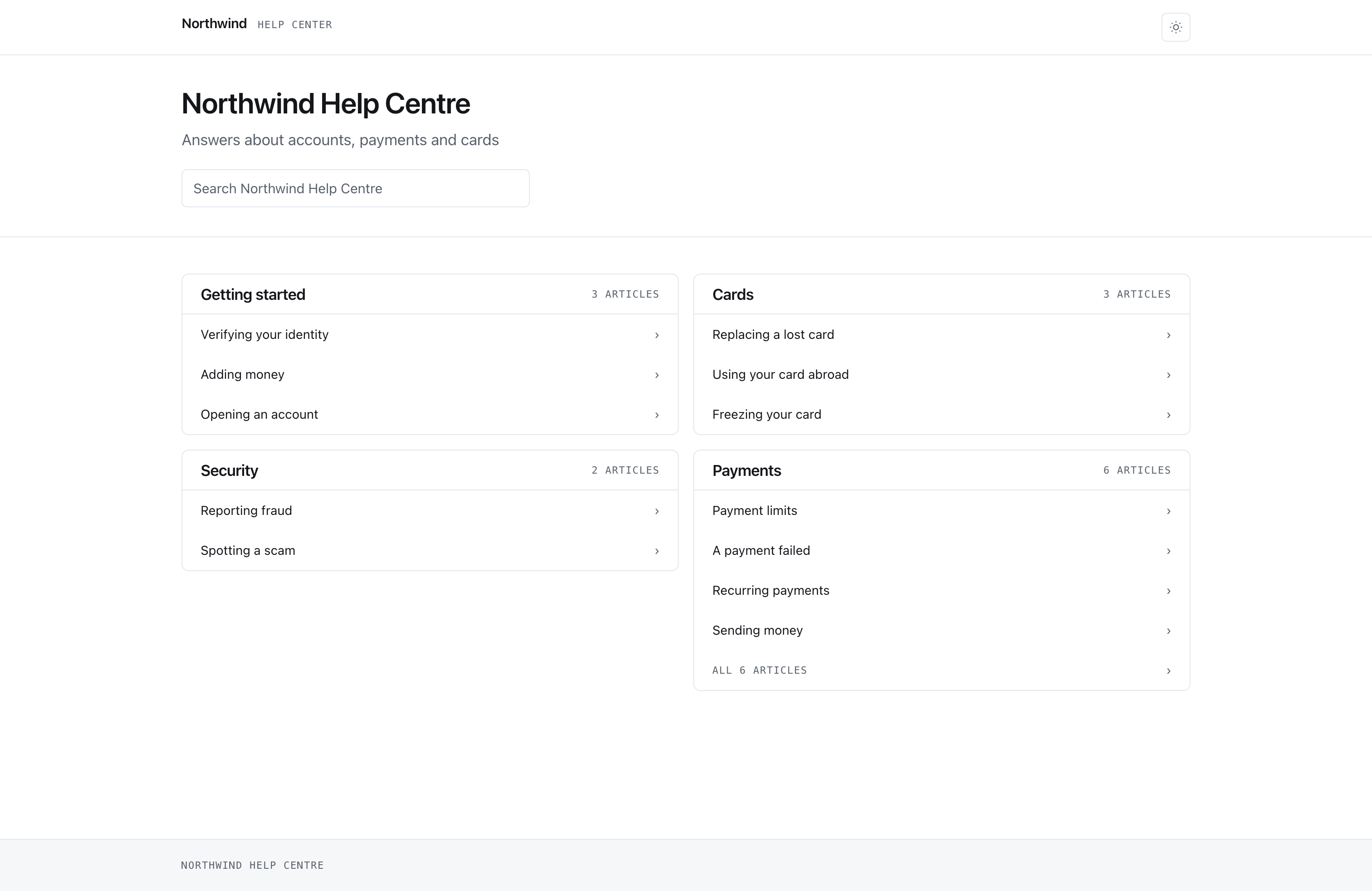
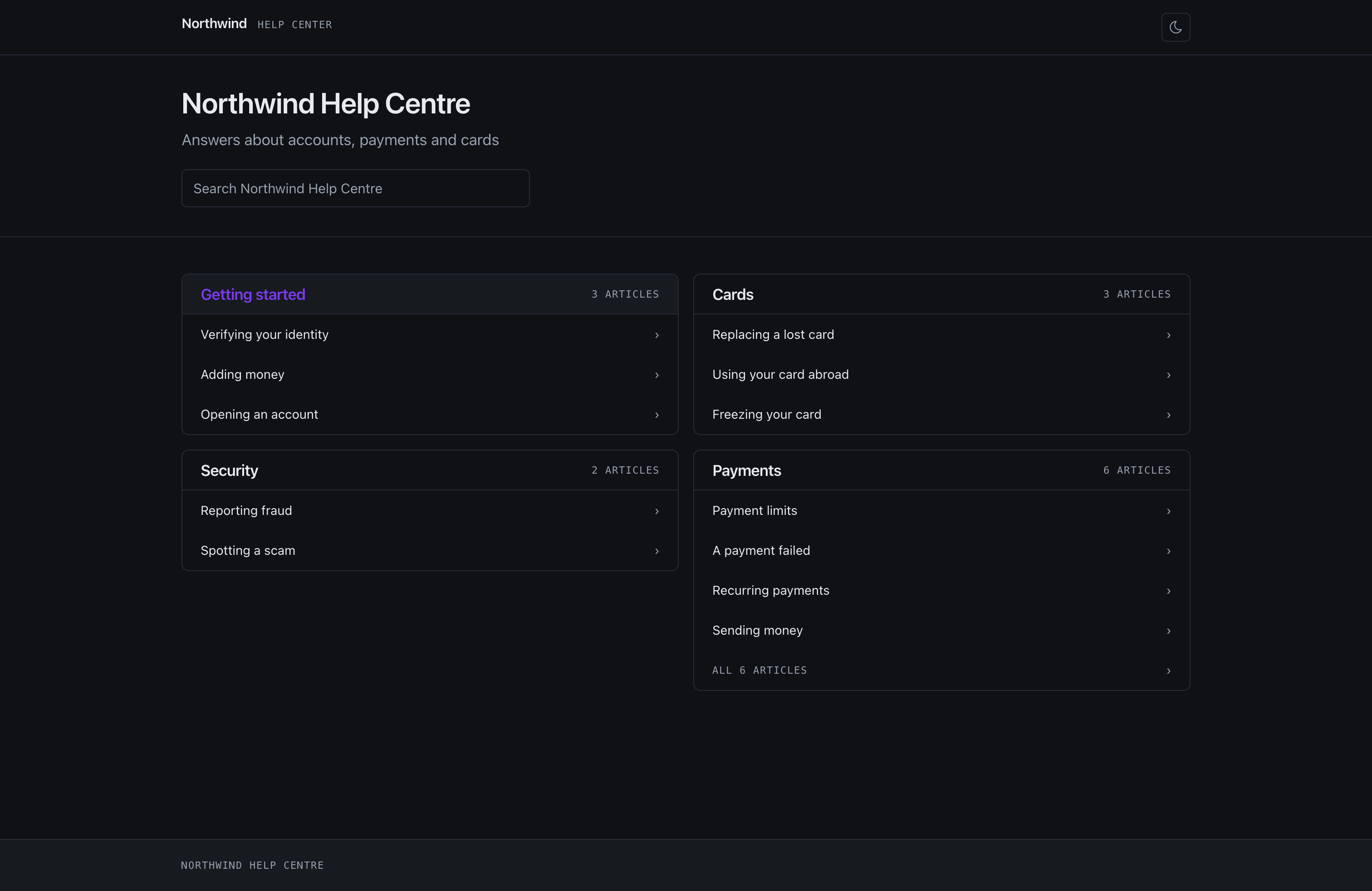
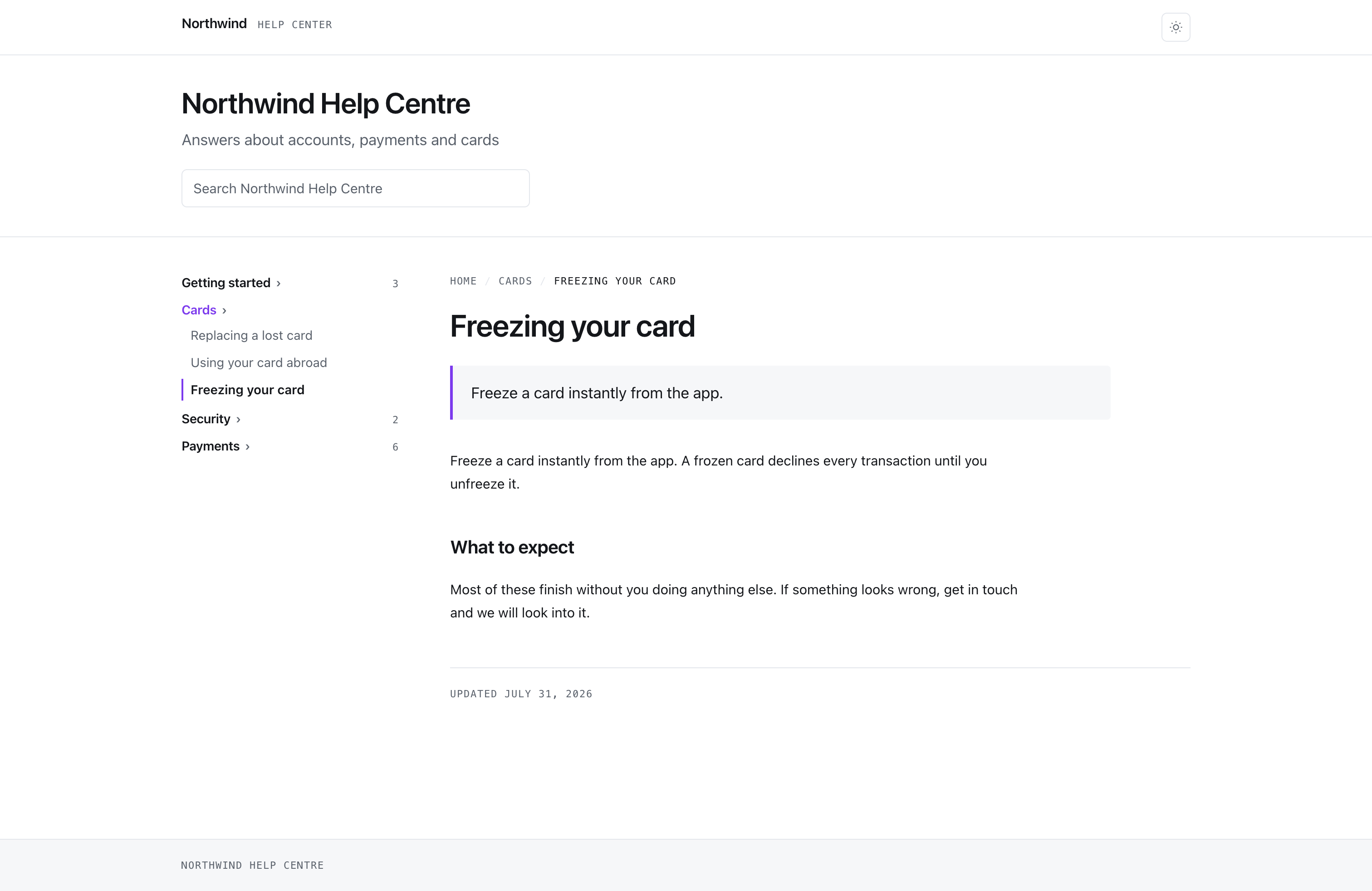
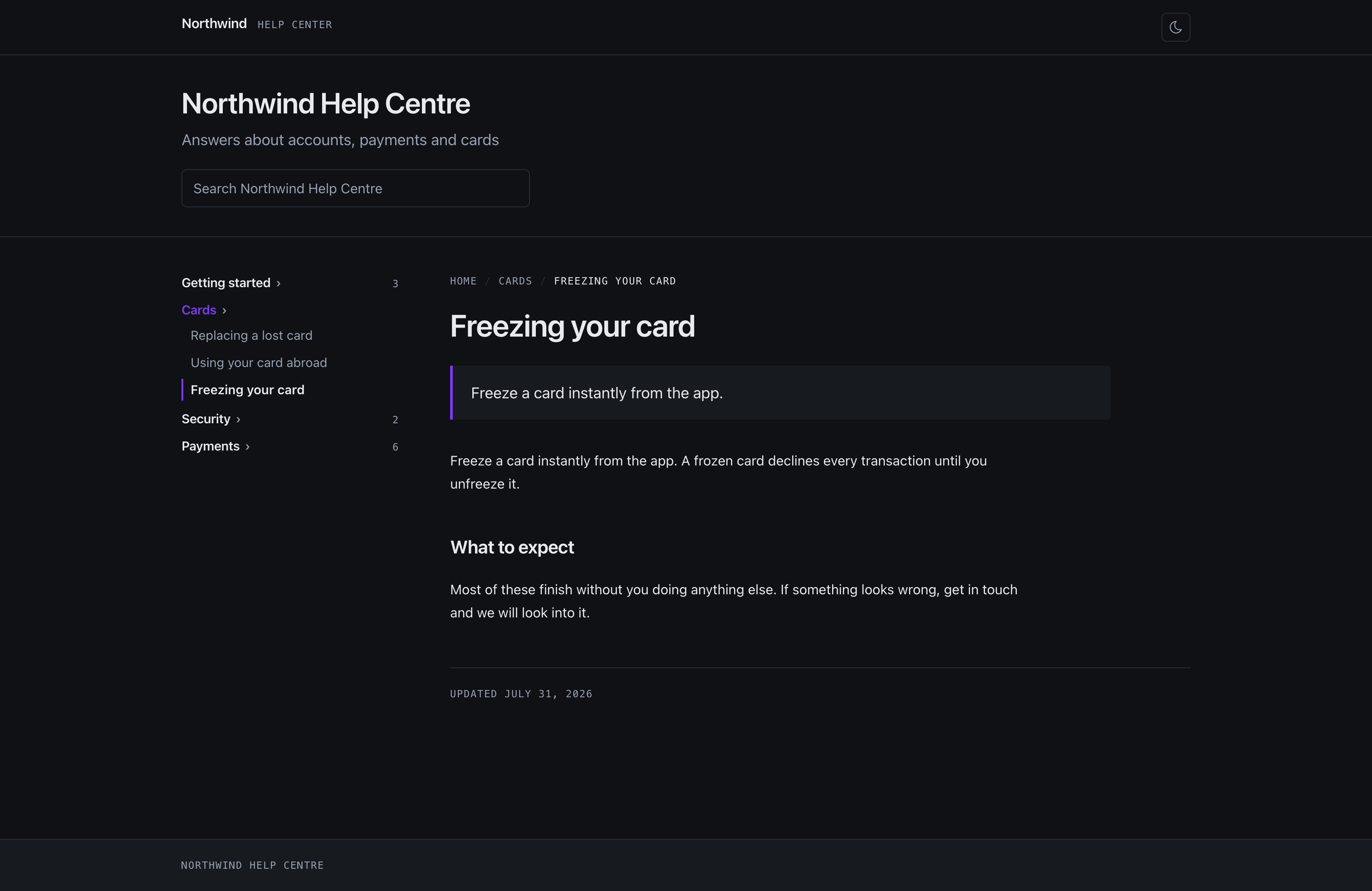
Publish a wiki as your help center
Publish a wiki as a help center with its own title, logo, colour and web address, listed publicly or unlisted. Flows answer from the same articles, including pages you hide from the site.
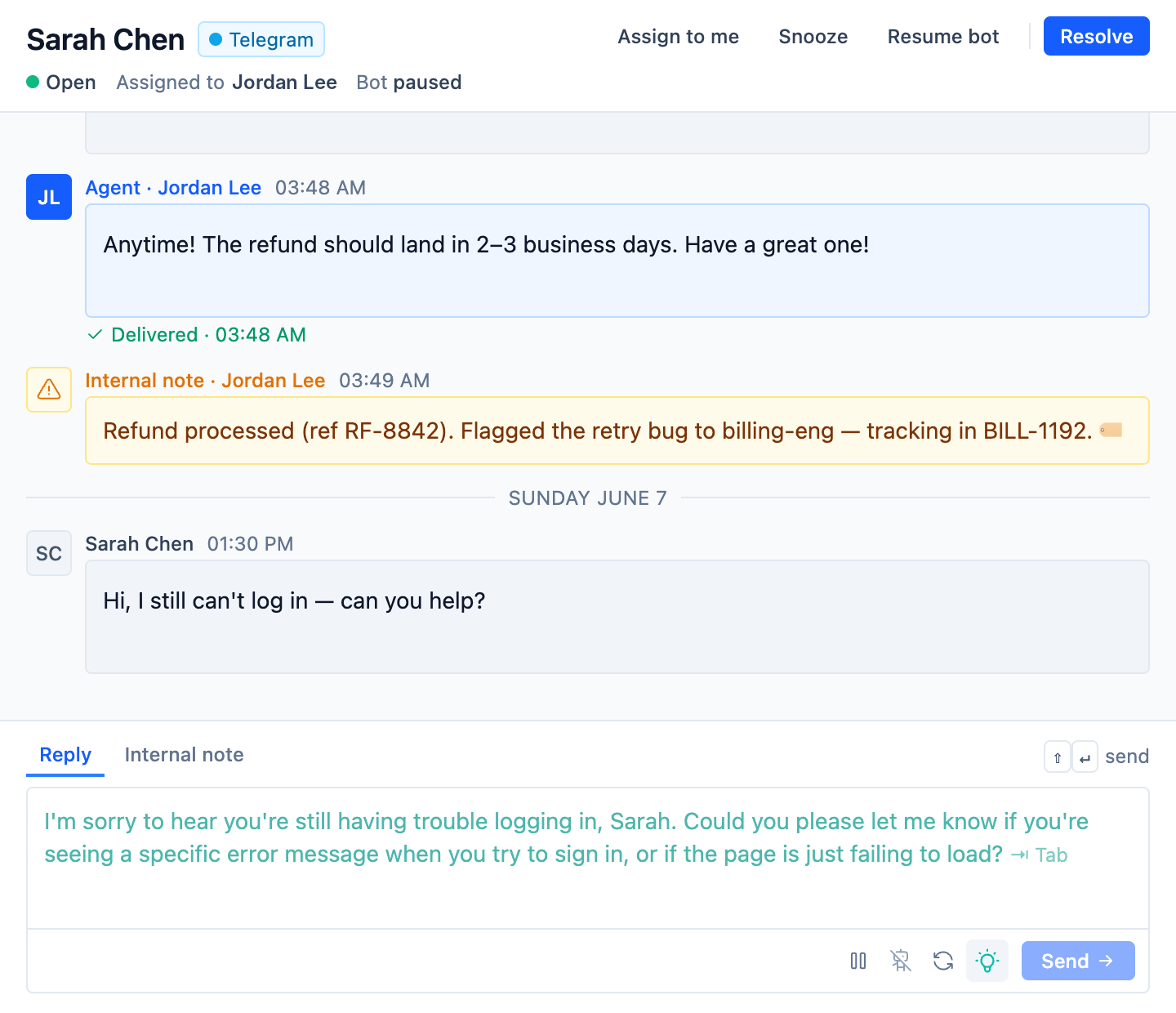
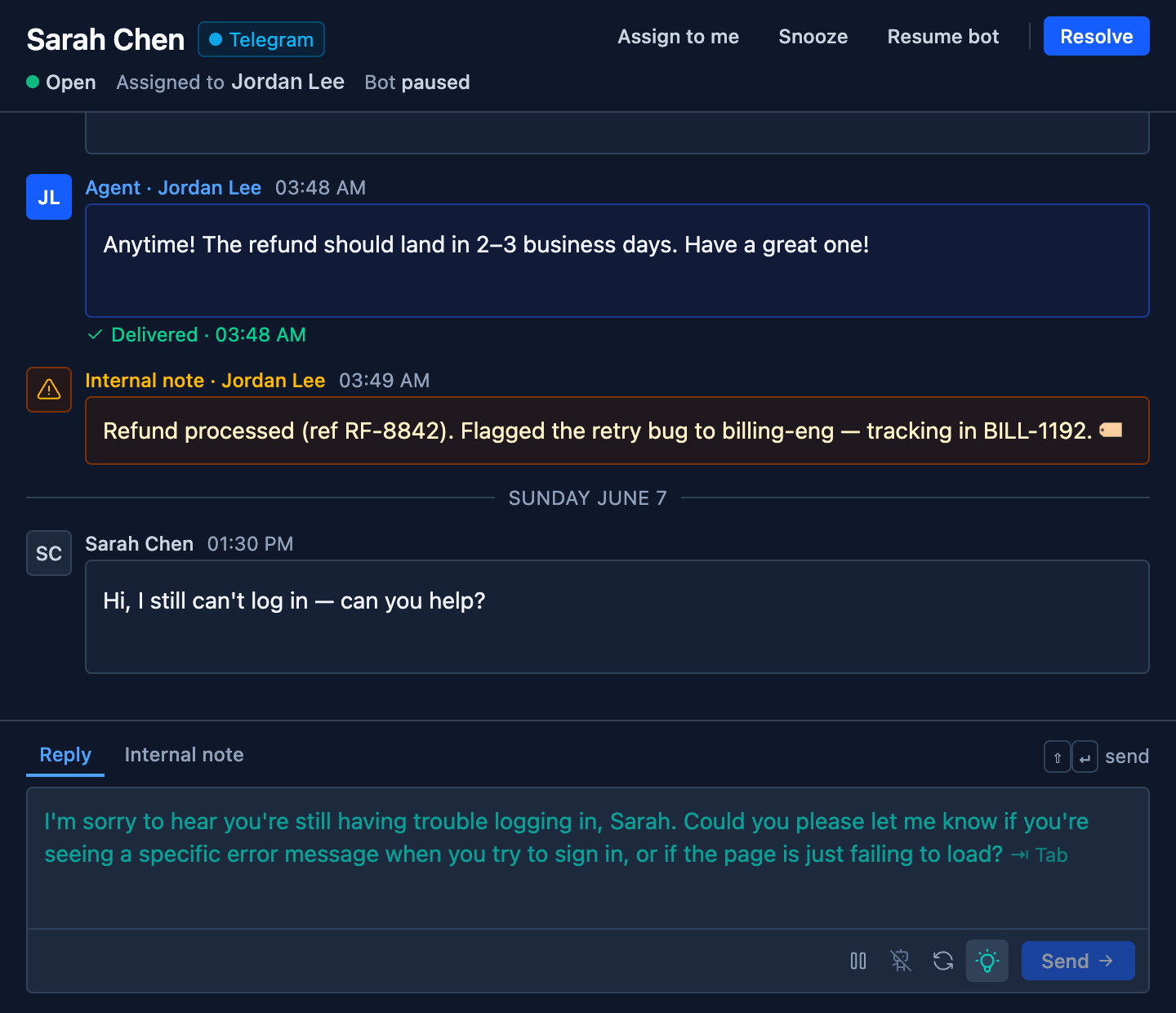
SupportBuddy drafts each reply from your knowledge base.
It reads the conversation, finds the answer in the knowledge collections you choose and writes a reply in the composer. The agent presses Tab to use it. It works in our inbox, and in Intercom through a browser extension.
- Tone
- Pick a preset such as friendly or concise, or write your own instructions.
- Rules
- Tell it what a reply must never do, such as offer a refund.
- Pausing
- An agent can refresh a draft, or pause suggestions while handling something sensitive.
- Auto-send
- If you allow it, replies it is confident about go out on their own above a threshold you set.
- Per flow
- Each flow can have its own SupportBuddy with its own knowledge, tone and rules.
Start with one channel
Most teams start with website chat. WhatsApp and the other messaging channels come with Pro, and Social can be added to any paid plan.