On this page
The queue
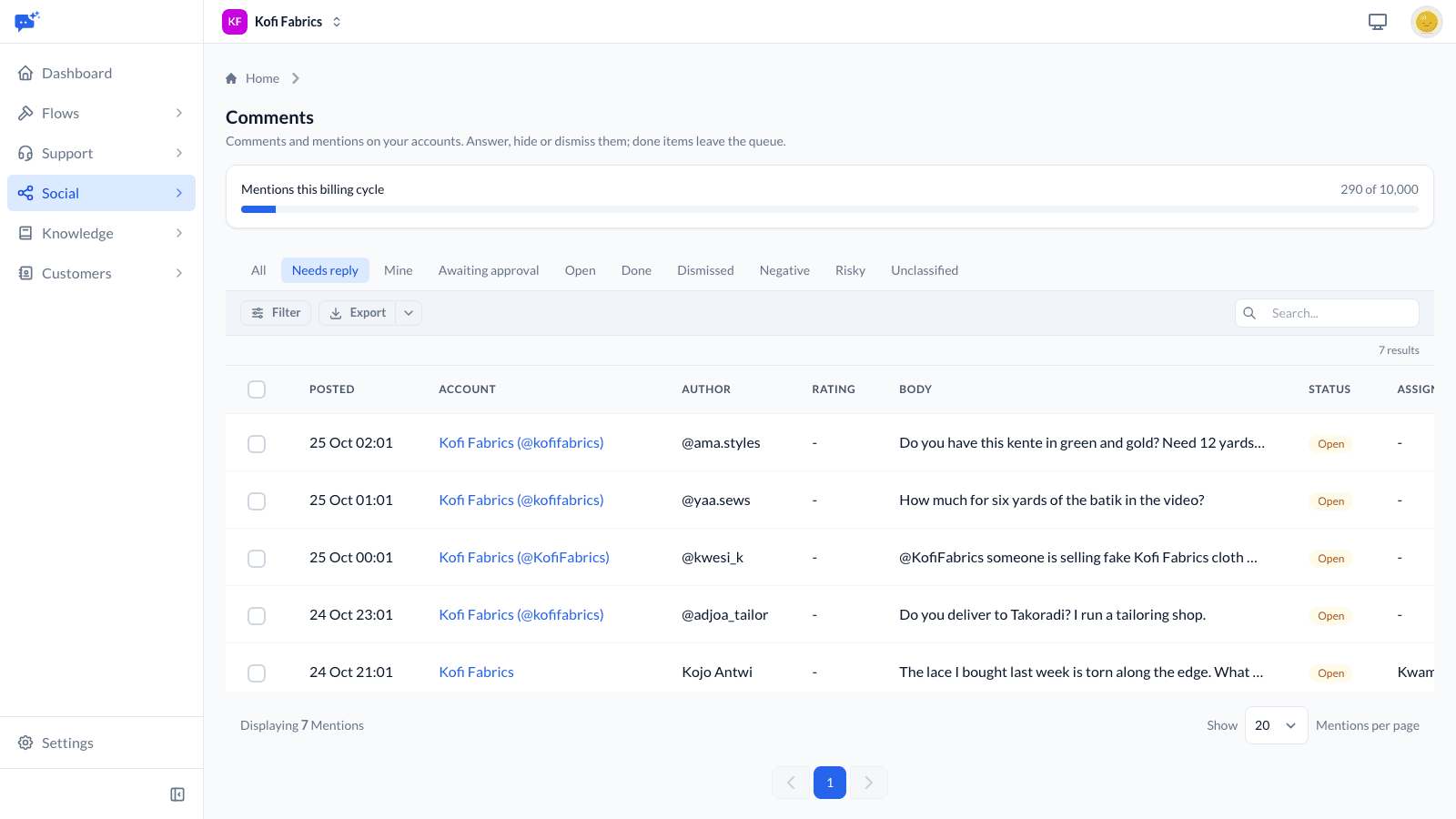
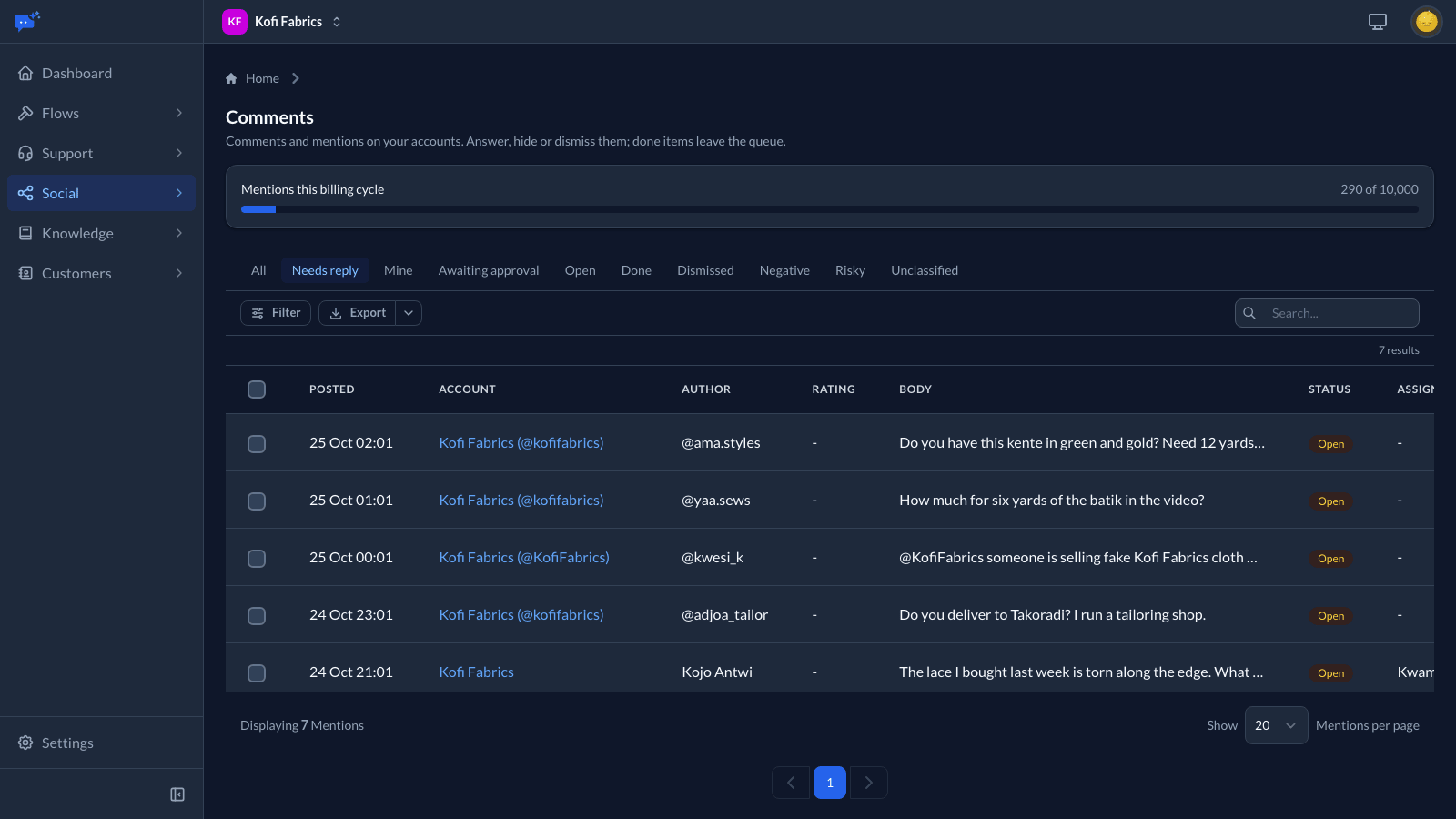
Social → Comments holds every comment, reply and mention Listening collects. It opens on Needs reply: the items that ask a question, report a problem or ask for help, the ones flagged as a risk, and any not yet read. Praise, reactions and people tagging their friends stay out of that view, though you can still find them under Open.
Other views show what is assigned to you, replies waiting for approval, and items already done or dismissed. Filter by account, rule, sentiment, emotion, type or date, search the text, and export the list as a CSV.
Assign an item to yourself or to anyone who works in Social, so two people do not answer the same comment. Select several items to take them, mark them done or dismiss them together.
Replying
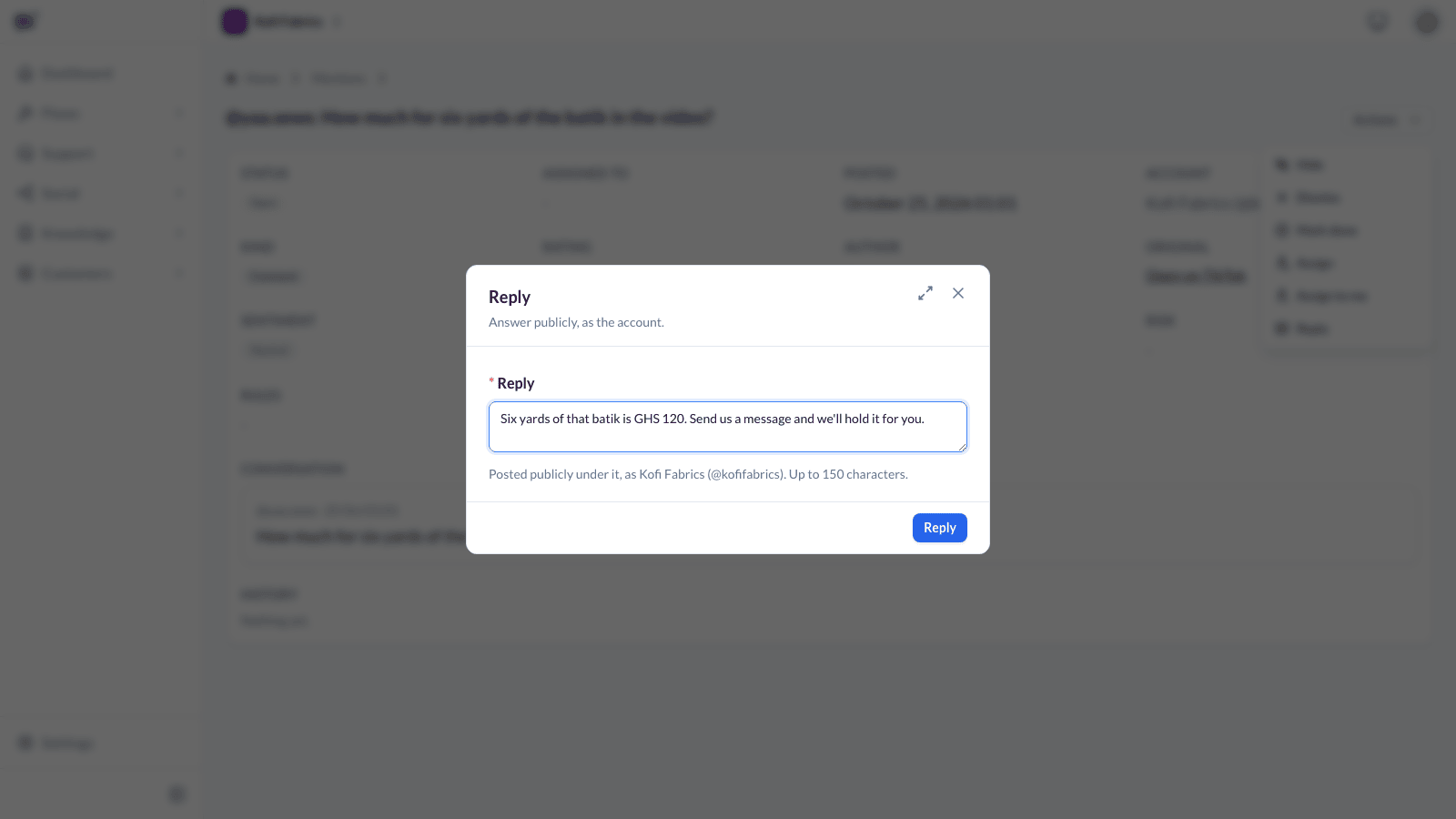
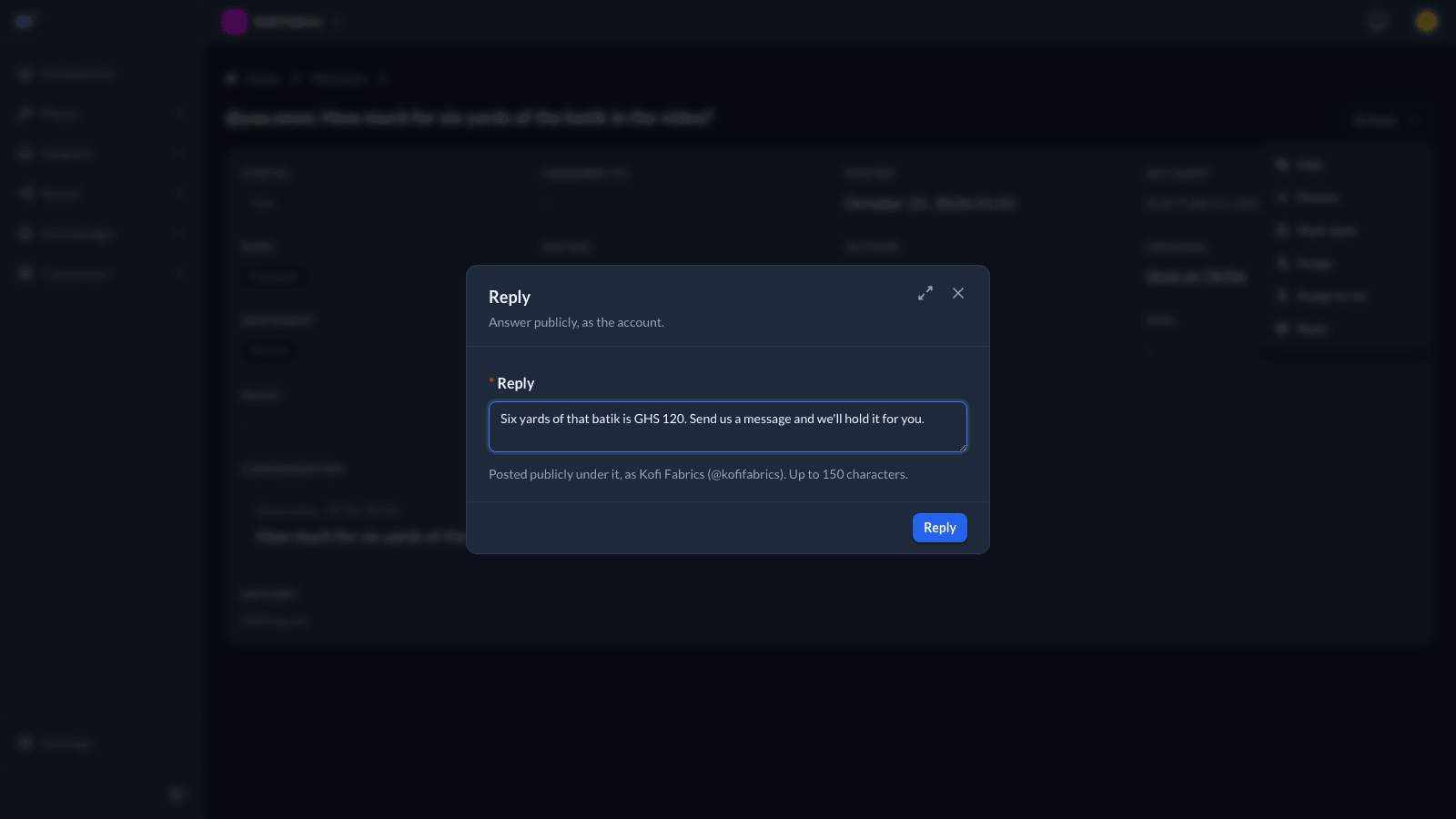
Open an item and choose Reply. The reply is posted under the comment, as the account, where everyone can see it. The form shows how long a reply the platform takes. Once it is posted the item is marked done, and the reply shows under the comment on the item's page.
If the platform cannot be reached, the reply is tried again over the next few minutes. If the platform refuses it, the item shows the reason and stays open, and a publisher can try again.
Who can send a reply
A public reply speaks for the brand the way a post does, so the same roles apply. Publishers, owners, managers and admins send replies straight away. A reply written by a creator, editor or approver waits under Awaiting approval until someone approves it or discards it. Publishers can approve any reply. Approvers can approve replies written by someone else, never their own. The author can discard their own draft.
Replying privately
On Facebook and Instagram you can choose Reply privately to send the comment's author a direct message instead. This is the way to ask for account details or anything that should not be public. Each comment can be answered privately once, within 7 days of being posted.
If a bot or UniversalDesk answers messages on that Page or account, the author's reply arrives there like any other message.
Hiding
Editors, approvers, publishers, owners, managers and admins can hide a comment. A hidden comment disappears for everyone except its author and their friends, and the item is marked done. Show again puts it back, except on YouTube, where a hidden comment stays hidden.
When a comment is hidden or deleted on the platform itself, the item shows that too. A deleted comment leaves the queue.
Done, dismissed and reopened
Mark an item done when it has been handled, or dismiss it when it needs nothing. Either takes it out of the queue, and Reopen brings it back. An answer posted from the platform's own app also marks the item done.
History
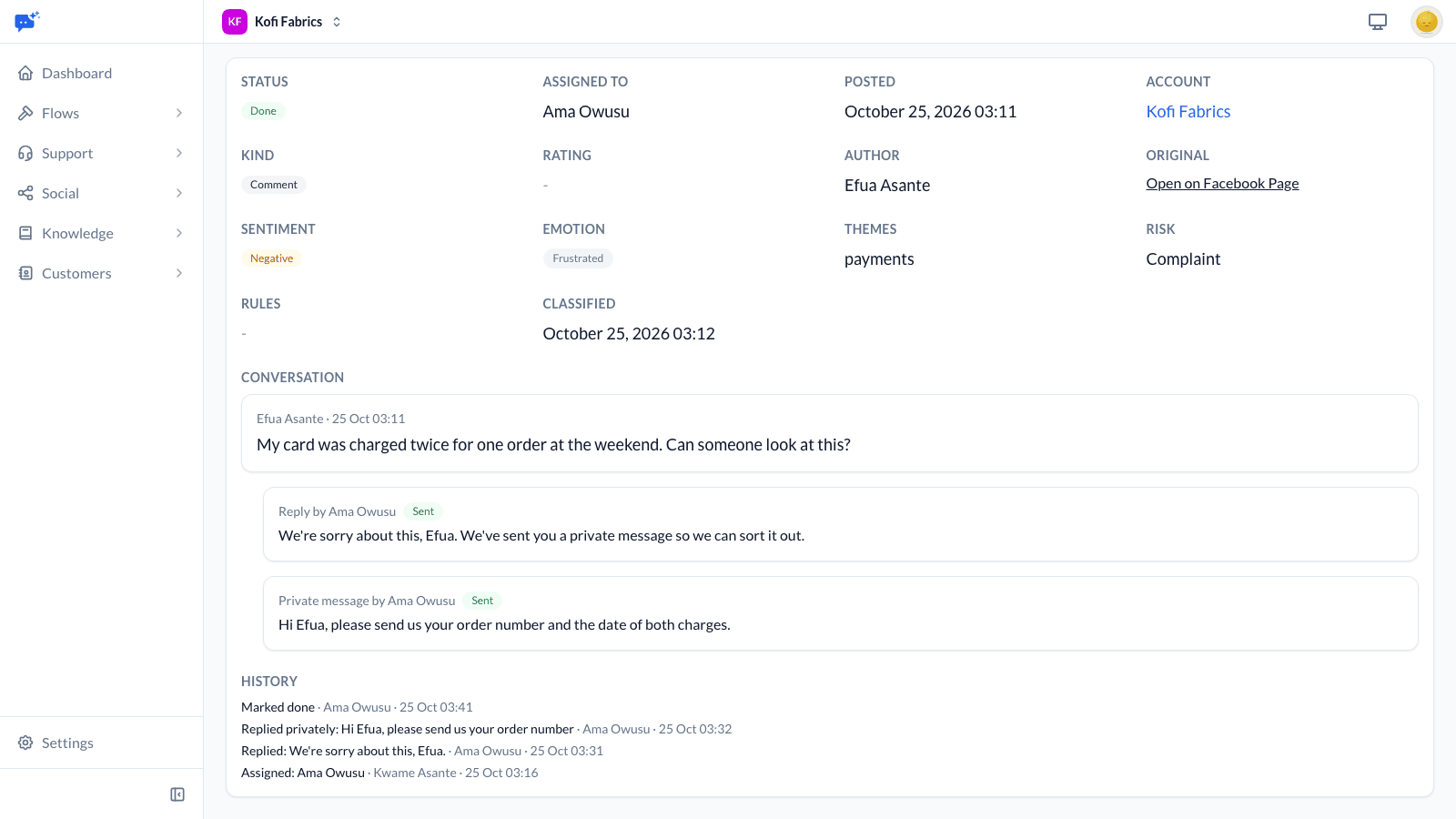
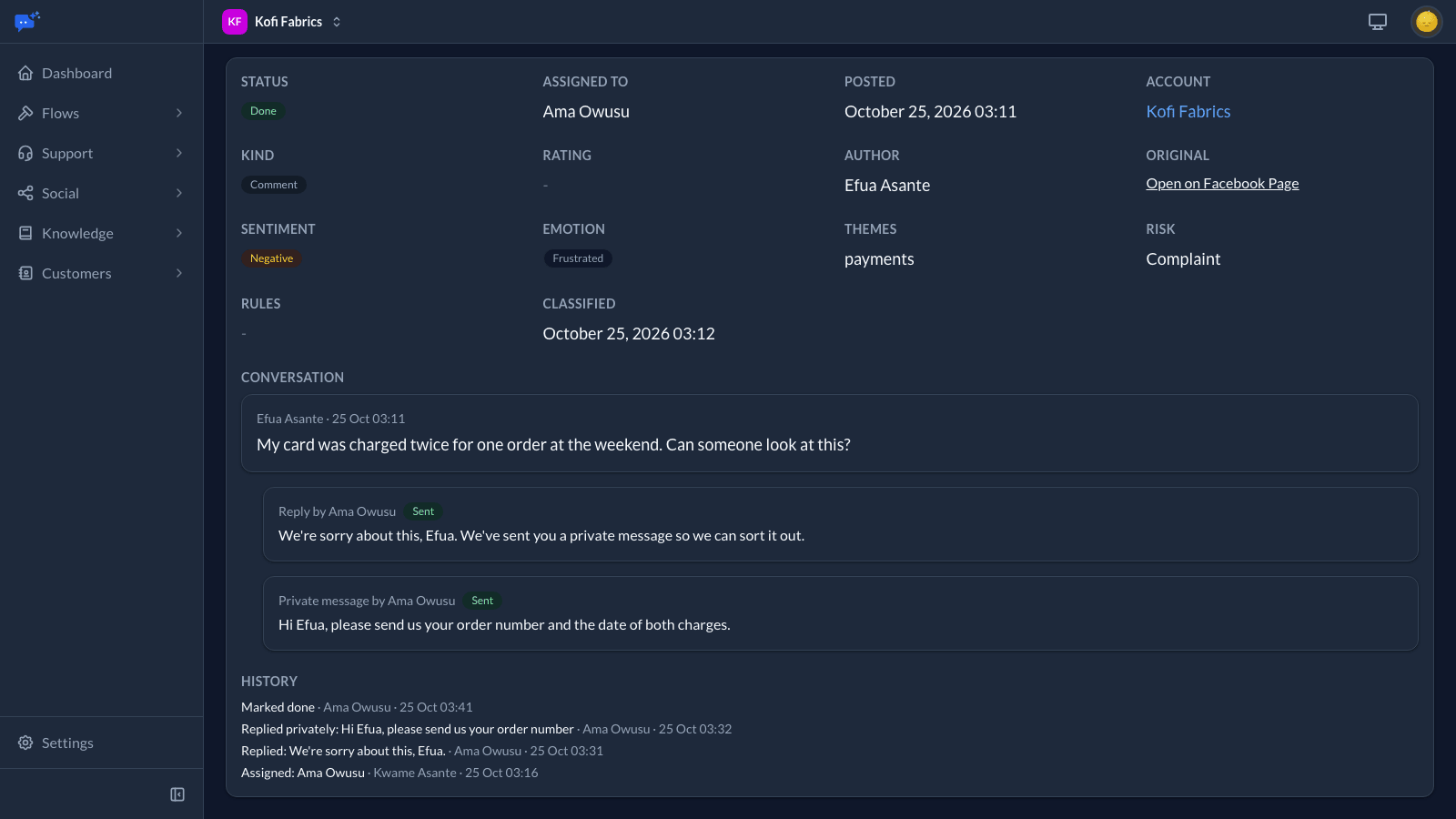
Each item keeps a record of who assigned, answered, approved, hid or closed it, and when. Social → Activity lists this for every item and post you can see, and exports it as a CSV.
What each platform allows
Each platform decides what other apps may do. Actions a platform does not allow are not offered.
- Facebook: reply to comments and to posts that mention your Page, reply privately, and hide comments on your own posts.
- Instagram: reply to comments, reply privately, and hide comments. Replies to @mentions in other people's comments need the account connected through its Facebook Page.
- LinkedIn: nothing, since LinkedIn accounts are for publishing only.
- X: reply to posts that mention or reply to you, and hide replies to your own posts.
- YouTube: reply to comments and hide them.
- TikTok: reply to comments and hide them. Replies are limited to 150 characters.
- App Store: reply to reviews, up to 1,000 characters. A review has one response, so answering again replaces it.
- Google Play: reply to reviews, up to 350 characters. A new reply replaces the earlier one, and Google tells the reviewer only about the first reply.
- Reviews cannot be hidden or answered privately. A reply to a review follows the same approval rules as other public replies.