On this page
What is collected
Listening collects what people leave on your connected accounts: comments on your posts, replies to them, and posts that mention you. It covers your own accounts only, not the wider web or your competitors' accounts.
Everything on a connected account is collected, whether or not a rule matches it. Your own replies are left out. Collected comments and mentions are kept for 24 months from when they were posted, then deleted along with your replies to them and their history.
Facebook and Instagram comments arrive within moments, and TikTok comments within a few minutes. YouTube, X and app store reviews are checked about every 15 minutes. LinkedIn accounts are for publishing only, and nothing is collected from them.
When you connect a YouTube, X or TikTok account or a store app, it brings in its 100 most recent comments, mentions or reviews, and new ones follow from then on. These count toward your allowance like any others (on X, toward your X usage). Facebook and Instagram accounts start from new activity.
The Listening dashboard
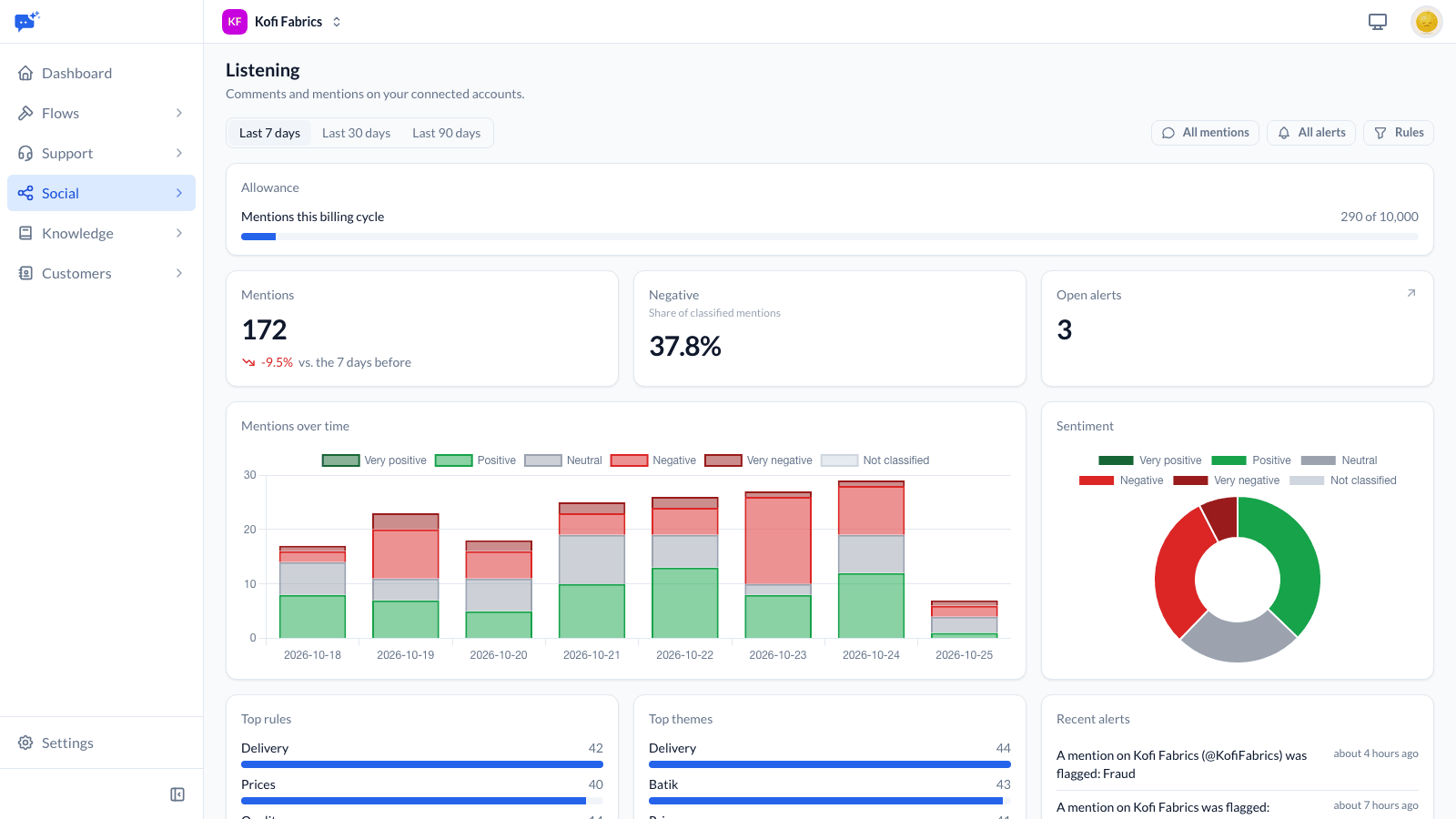
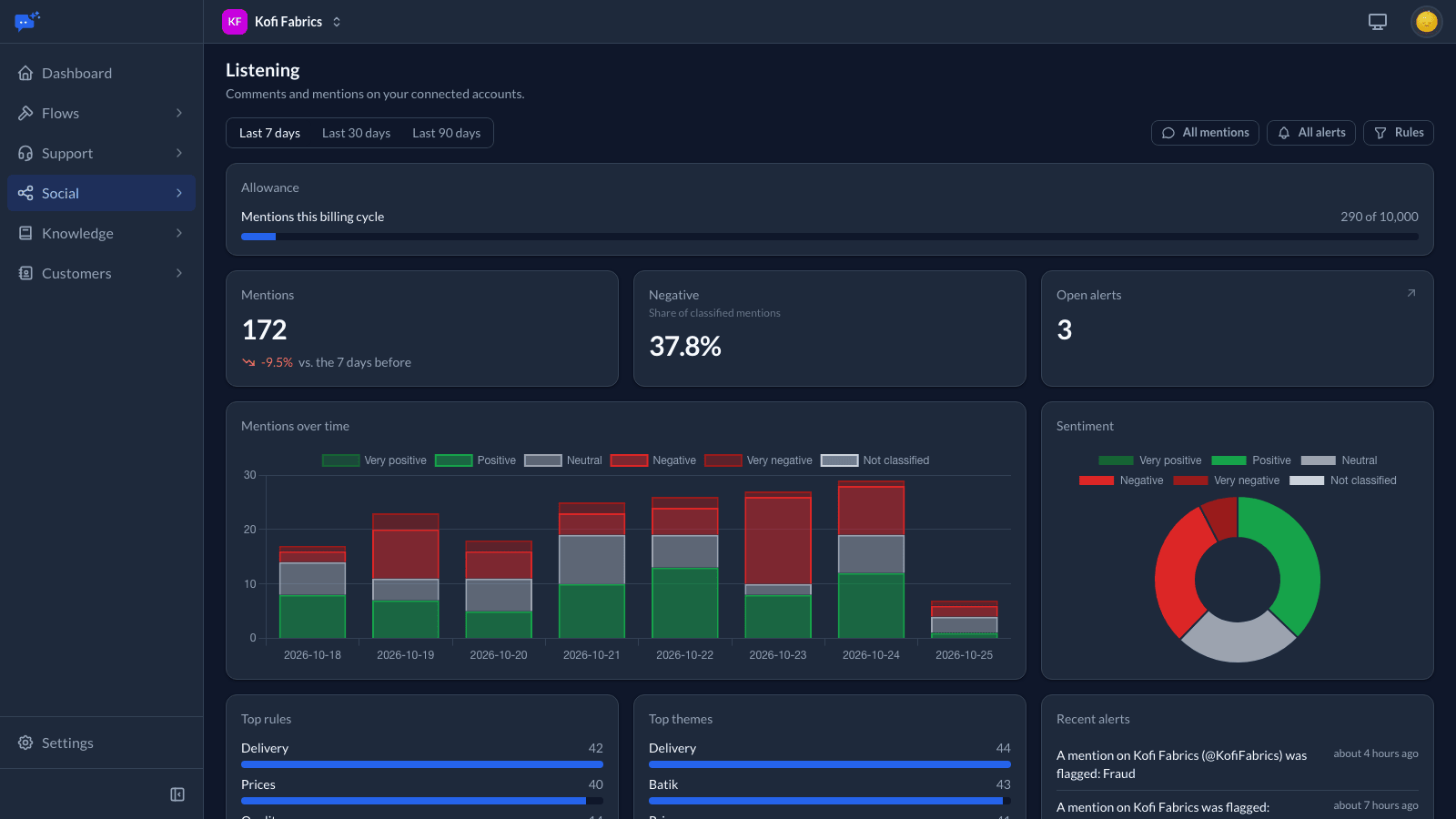
Social → Listening shows, for the last 7, 30 or 90 days:
- mentions over time, split by sentiment from very negative to very positive, and the share that is negative or very negative;
- the rules and themes with the most mentions;
- recent alerts;
- how much of the billing cycle's allowance is used.
Finding mentions
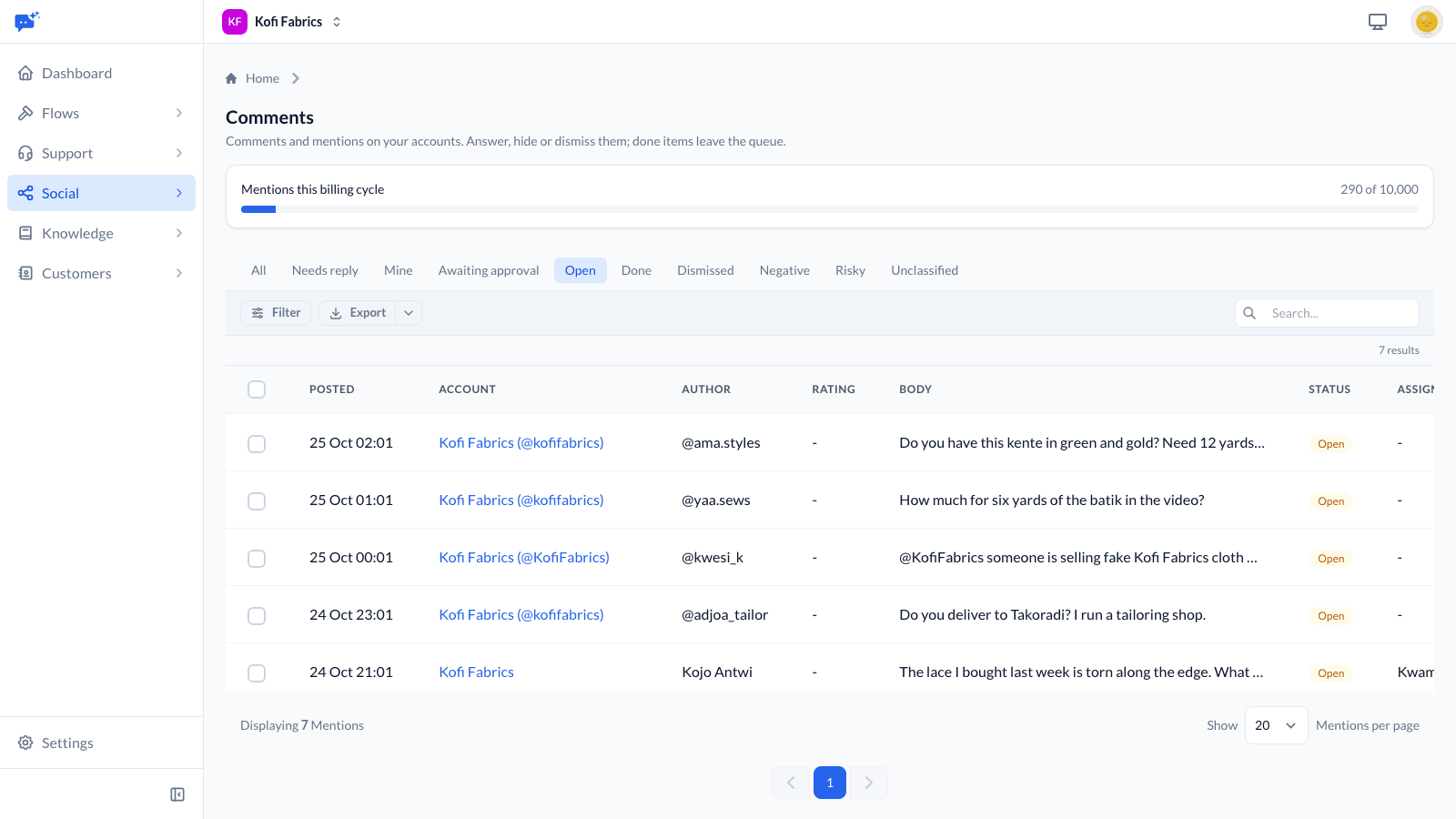
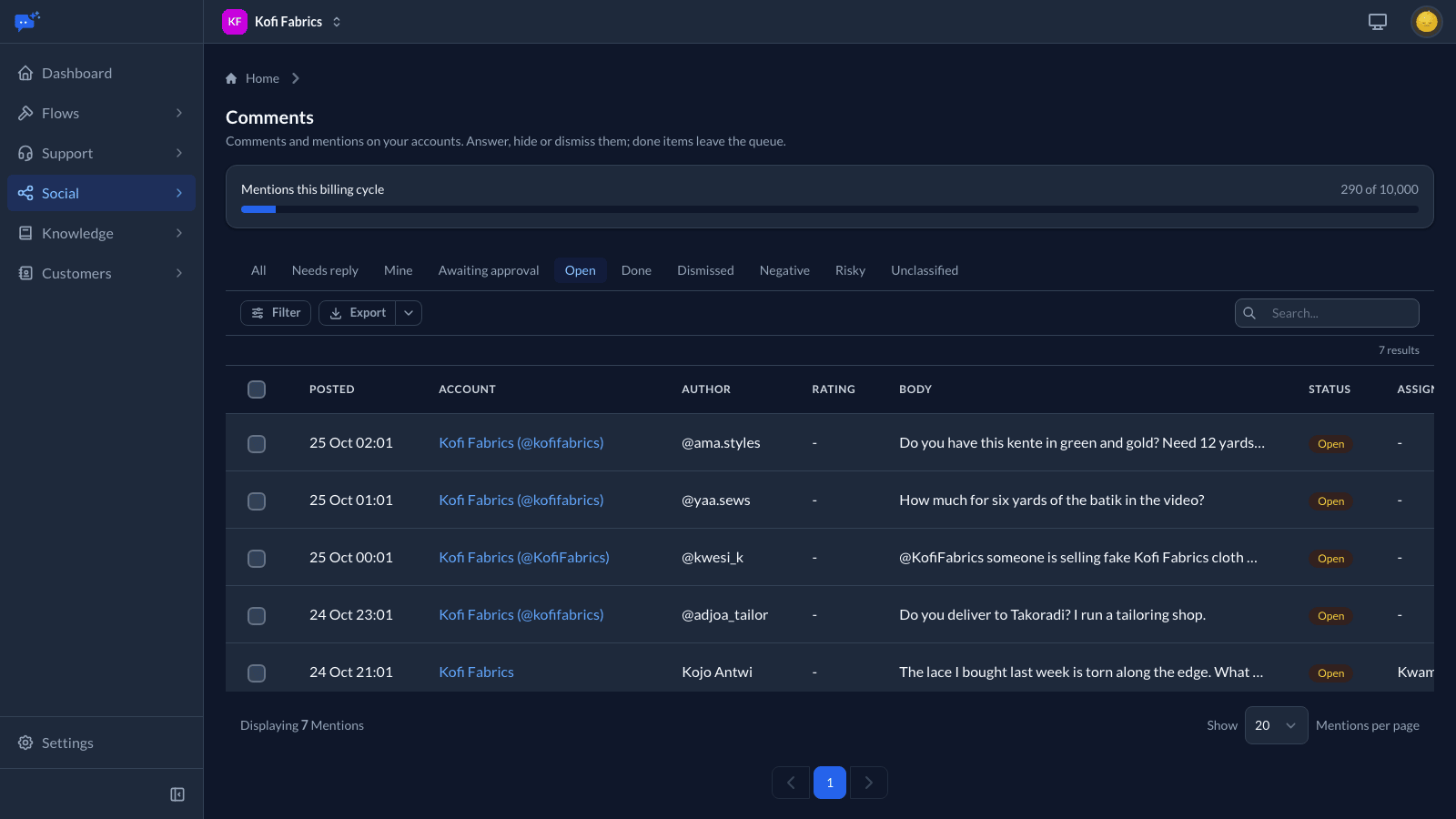
Social → Comments lists every comment and mention. It opens on those that need an answer; choose All to see everything. Filter by account, rule, sentiment, emotion, type (comment, reply or mention), flagged or not, and date, or search the text. Each one links to the original on the platform. Export the filtered list as a CSV for reporting. Answering comments and mentions covers replying, hiding and sharing the work out.
Marketing agents see mentions on their teams' accounts and on accounts no team owns. Owners, managers and admins see all of them.
Listening rules
Rules group mentions by topic and drive alerts. They do not decide what is collected. Approvers, publishers, owners, managers and admins create and edit them from Rules on Social → Listening; everyone else in Social can read them. Listening rules come with Social Growth and Scale.
Each rule has a name and the keywords or hashtags to watch for.
- Matching ignores case and works on whole words, so card does not match cardigan.
- A hashtag matches with or without the #.
- A mention containing any of the rule's excluded words never matches it.
- A rule can watch every account or only the ones you choose.
Sentiment and themes
Each mention is given a sentiment on a five-point scale (very negative, negative, neutral, positive or very positive), the emotion that stands out if there is one (frustrated, angry, confused, anxious, satisfied or grateful), and up to three themes. Conversations in your inbox use the same scale and emotions, so the two read alike. A mention that looks like it needs action soon about your own products, services or accounts is flagged with the reasons: a formal complaint or a request to escalate, fraud (money or an account taken without consent, a scam, or someone posing or trying to pose as you or the customer to get money or details), an outage, a legal threat, or a customer saying they will leave. Ordinary problems, charges someone does not recognise, questions about scams and failed payments are not flagged. Each one is read with the conversation it answers, as far back as those posts were collected, so a story about another company is not flagged as a problem with yours.
This uses your workspace's AI allowance. If the allowance runs out, mentions are still collected and still match rules, but they are left unmarked. Mentions that could not be marked are tried again every hour for three days.
Alerts
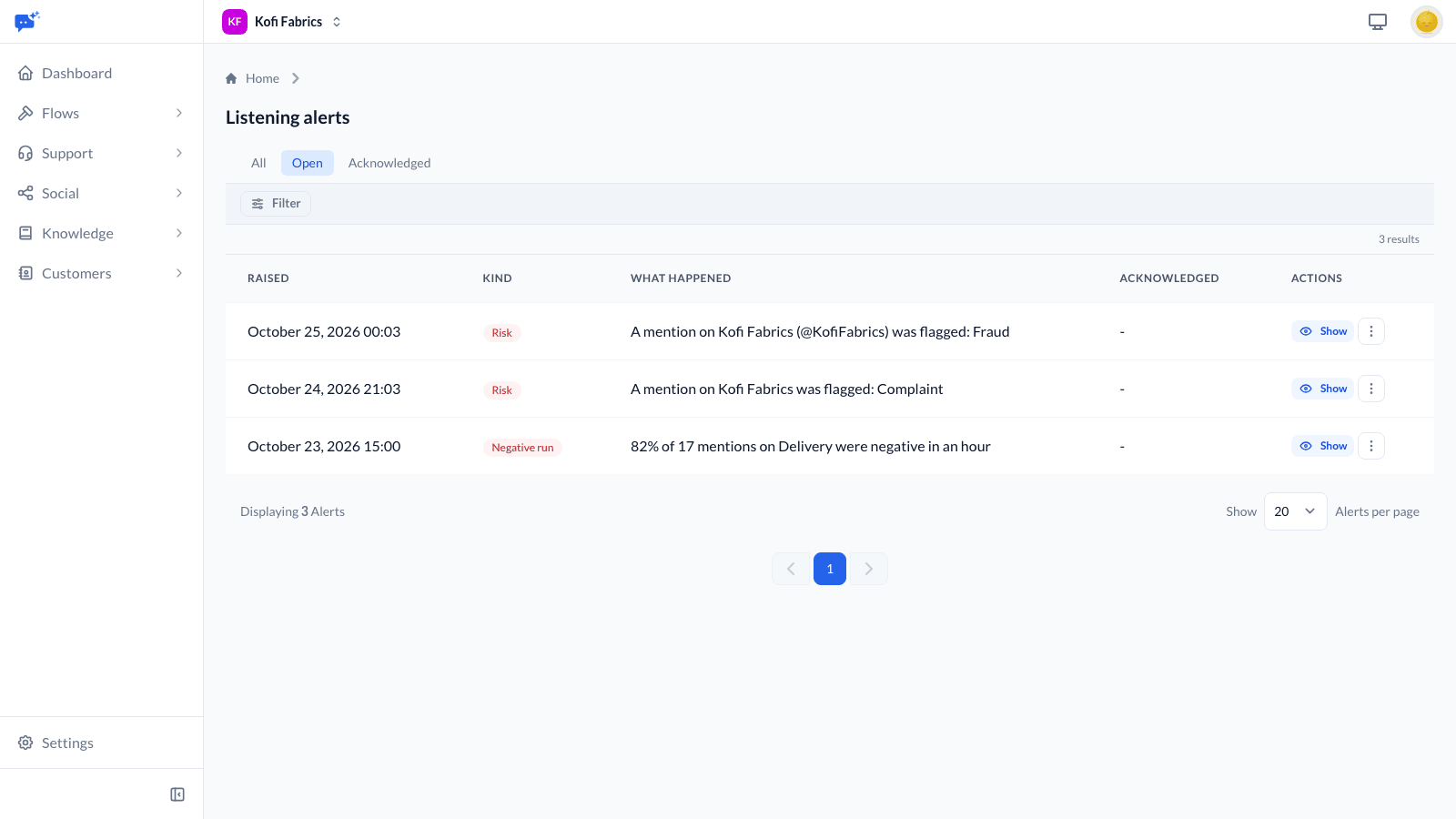
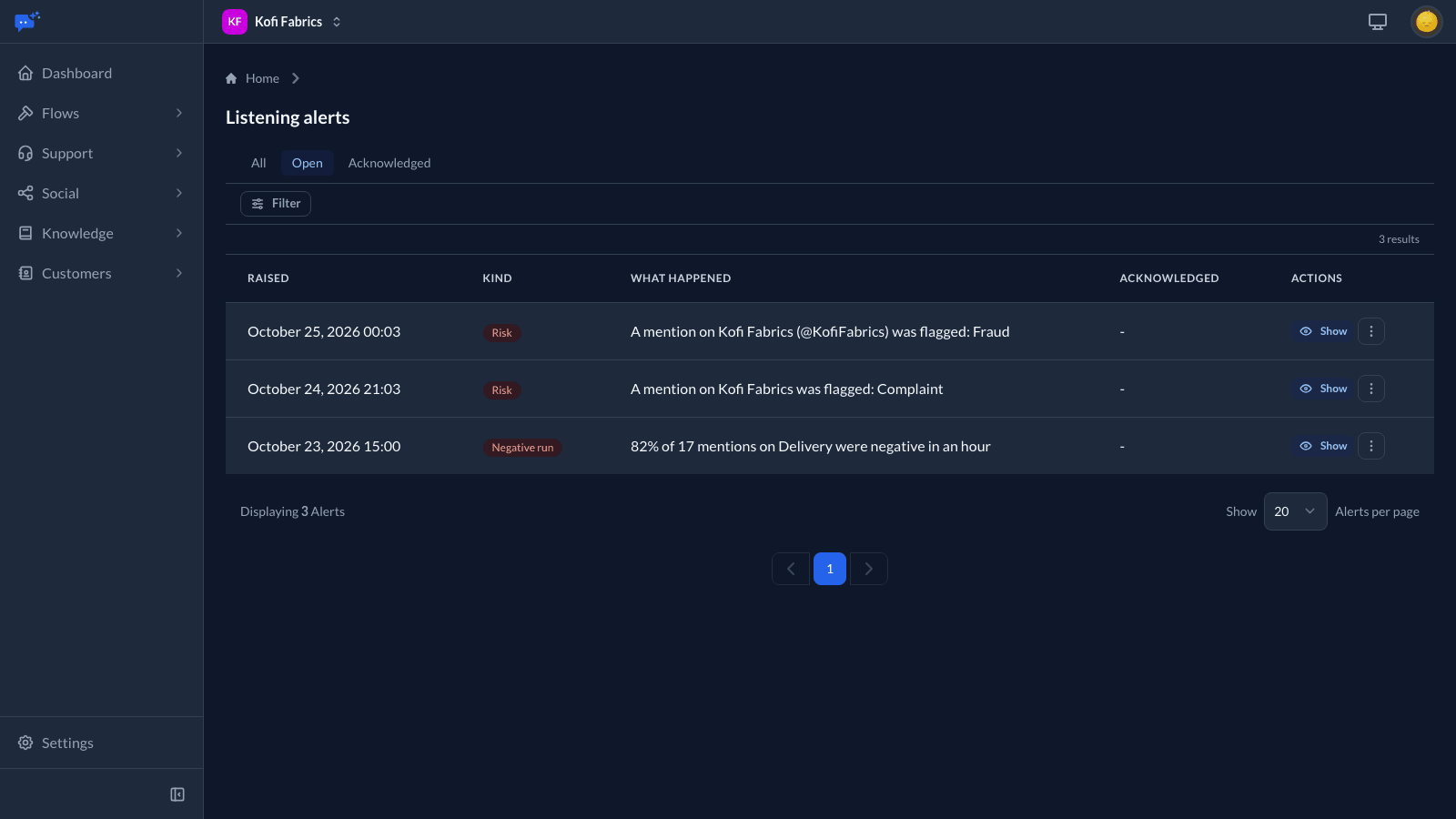
Listening raises three kinds of alert:
- More mentions than usual: An hour with at least five mentions on an account or rule, and three times the usual for that hour of the day over the past week. These start a week after an account is connected or a rule is made, once there is a usual to compare with.
- Negative run: An hour in which at least five of a rule's mentions have been marked, and the share that is negative or very negative is above the rule's threshold. The threshold is 40% unless you change it on the rule.
- Flagged mention: Sent as soon as a mention is flagged. A complaint alerts only when the author is negative and frustrated or angry, and someone saying they will leave only when they are negative; otherwise the mention is flagged in the list without an alert. A workspace gets at most 10 flagged mention alerts for the same risk in an hour, counted apart from risk alerts on conversations. After that, one more alert says that risk is coming up more than usual, and nothing more is sent for it until the hour is up. The mentions are still flagged in the list.
Each kind is sent at most once an hour for the same account or rule. Alerts are emailed to owners, managers, admins, and marketing agents with the approver or publisher role; agents only hear about accounts they can see. Every alert is also listed on Social → Listening, under All alerts, where approvers, publishers, owners, managers and admins can Acknowledge it to show it has been handled.
More-mentions and negative-run alerts come with Growth and Scale; flagged-mention alerts come with every size.
Allowance and overage
Each size includes a number of collected comments and mentions each billing cycle (Lite 2,000, Growth 10,000, and Scale 30,000) on Facebook, Instagram, YouTube and TikTok, and app store reviews count toward it as comments and mentions. Collection never stops at the allowance. Each further 1,000 costs $5.00, charged on the usage invoice at the end of the cycle, even if Social was turned off before then. Everyone who gets usage alerts is emailed at 90% and at 100%, and the dashboard, the Comments page and Usage & Billing show how much is used and what is owed so far.
X charges for every post it lets us read, so mentions from X are not part of this allowance. They count as X usage, which is billed past the X allowance your Social size includes at cost plus a 30% processing fee. If the workspace reaches its X budget, listening on X pauses. Settings → Workspace → Usage & Billing shows what X has cost this cycle and where it came from.
App Store and Google Play reviews
Reviews of your connected apps arrive in Social → Comments on the regular check, about every 15 minutes. Each review shows its star rating. They count as comments and mentions toward your allowance.
- The first time an app is connected, its 100 most recent reviews come in. After that, new reviews follow.
- Google Play only offers reviews from the last week, so a newly connected Google Play app brings in at most the last week's reviews. If a Google Play connection is broken or disconnected for more than a week, the reviews written in that gap are missed.
- When a reviewer edits a review or changes its star rating, the item shows the new text and rating. If it had been handled, it opens again.
- A reply written in App Store Connect or Play Console marks the item done while the review is recent: within a few days on the App Store, and within the last week on Google Play. After replying to an older review in the store, mark the item done yourself.
- If a store stops accepting your key, the app shows Needs attention on the Accounts page and everyone who gets connection alerts is emailed. Reviews stop arriving until the app is connected again with a working key.
What each platform provides
- Facebook: Comments and replies on your Page's posts, and posts others make on your Page.
- Instagram: Comments, replies, and @mentions in other people's captions and comments.
- LinkedIn: Nothing. LinkedIn lets other apps keep members' comments for only 48 hours, so LinkedIn accounts are for publishing only.
- X: Posts that mention your account.
- YouTube: Comments on your channel's videos and the replies shown with them. Late replies on older comment threads can be missed. YouTube lets us keep a comment for 30 days at a time, so each one is checked with YouTube again before then: an edited comment shows its new text, and one deleted on YouTube is deleted here. If the channel cannot be checked, for example because it was disconnected or its access was withdrawn in the Google account, its comments are deleted once they have gone 30 days unchecked.
- App Store and Google Play: The reviews of your connected apps, with their star ratings. Nothing is collected about other apps.
- TikTok: Comments and replies on your account's posts. New comments arrive within a few minutes, and the ten most recent posts are also checked about every 15 minutes.